



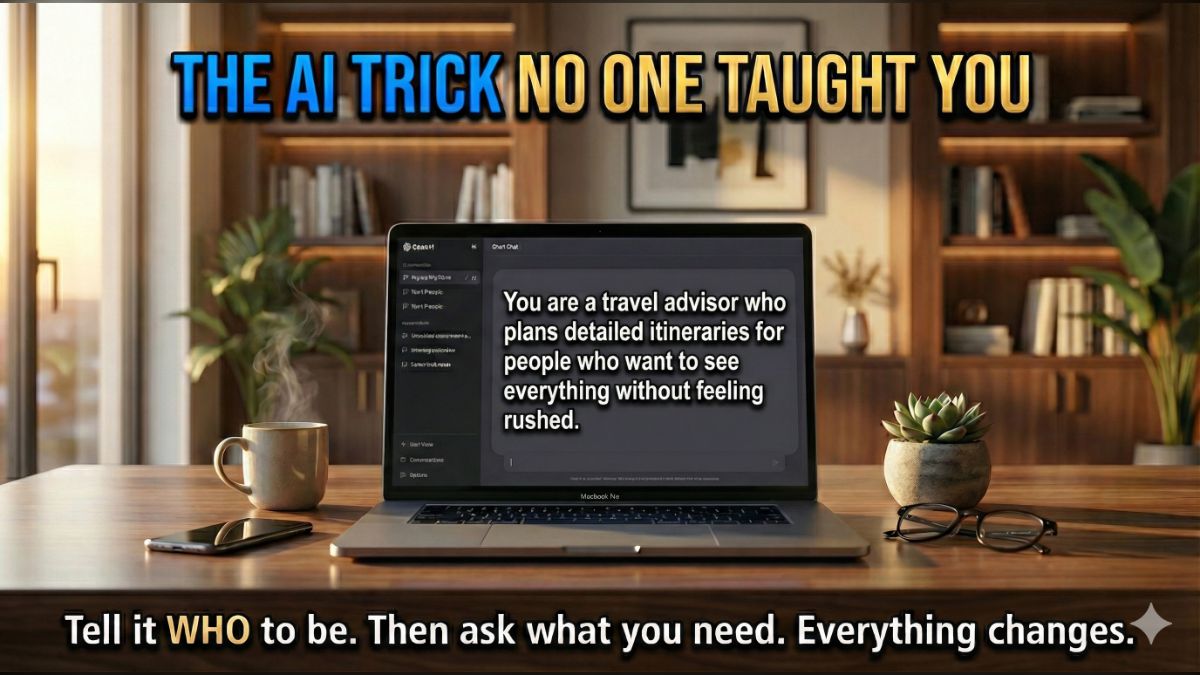
The other day, our Associate Producer Lauren was using AI to write podcast titles. I looked over her shoulder and thought, These are generic. The kind of titles you scroll right past.
So I said, “Tell the AI what it is first.” She looked at me like, What?
I explained that instead of typing “Write me podcast titles about phone scams,” tell AI, “You are a social media expert who develops podcast titles and descriptions from outlines that make people stop scrolling and pay attention.”
Then she gave it the outline. Night and day. Suddenly the titles had hooks, urgency and personality. Lauren looked at me like I’d handed her a magic wand.
I hadn’t. I told her the one trick that changes everything about AI.
🧠 Give AI a job title
Here’s why most people get bad results from ChatGPT, Claude or Gemini. They treat it like Google. Type a question, hope for the best. But AI takes on roles. Tell it who to be, and the quality jumps dramatically.
Think of it this way. Shouting, “Write me a headline!” at an empty room gets a random answer. Asking your best copywriter gets something great. AI works the same way.
Try these.
- For emails: “You are a professional copywriter who writes concise, persuasive emails that get opened and get responses.”
- For social media: “You are a social media strategist who creates scroll-stopping posts without sounding like a brand.”
- For meal planning: “You are a nutritionist who creates simple, budget-friendly weekly meal plans for families with picky eaters.”
- For cover letters: “You are a career coach who writes cover letters that highlight accomplishments naturally.”
- For travel: “You are a local travel guide who recommends hidden gems and avoids tourist traps.”
The more specific the role, the better the output.
🔒 Make AI remember it
Save those instructions, so you never repeat yourself.
- ChatGPT: Click your name > Settings > Personalization > Custom Instructions. Paste your role prompt. Every conversation starts with that expertise.
- Claude: Tap your name > Settings > Profile and type instructions under personal preferences. Or go to Menu > Projects to create a project with instructions baked in.
- Gemini: Menu > Gems > New Gem. Create a custom Gem with your role prompt.
Set up different roles for different tasks. Work emails. Social posts. Recipes. Like hiring specialists who work for free and never call in sick.
Most people will never do this. Now you’re not most people.
🗣️ STEAL THIS STAT: Most people use ChatGPT like a search engine and get forgettable results. One sentence changes everything: Tell the AI who to be before you ask it anything. “You are a social media expert who writes scroll-stopping headlines.” Try it once, and you’ll never go back. GetKim.com
📩 Know someone who keeps saying, “AI doesn’t work for me”? It does. They just haven’t tried this. Forward it.