



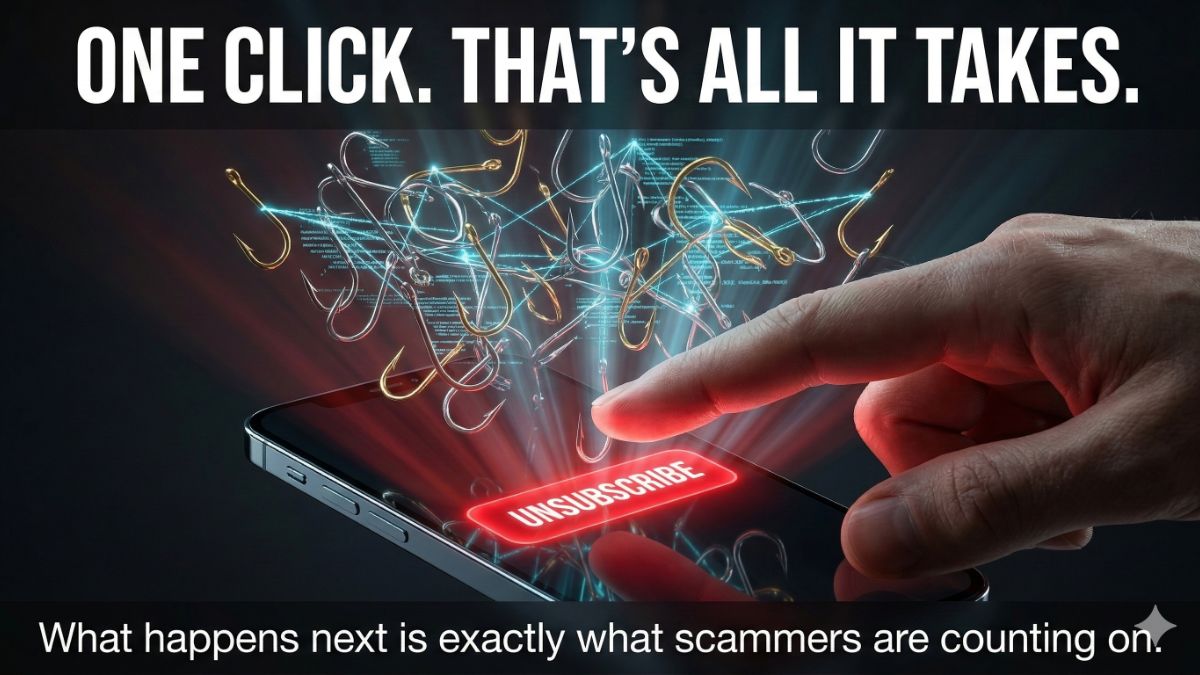
You know that little unsubscribe link at the bottom of an email from some business you know or maybe a phishing expedition? Clicking it might be the most expensive mistake you make all week. Yes, it’s true.
If the email is from a spammer, you lit up a neon sign that says “real person, clicks things.” Your address gets flagged as active, packaged up and sold to more spammers. The flood doesn’t stop. It multiplies.
That’s the good outcome.
The bad one? That unsubscribe button mimics Netflix, Amazon, PayPal, Microsoft, your bank, whatever brand you trust. The logo, the colors, the sender name. All fake. One click and you’re on a site built to steal your login or drop malware on your device.
Americans lost $12.5 billion to email scams last year. Up 25% from the year before. This is how it starts.
🎣 How to know when it’s safe
If you signed up for something and you’re done with it, the unsubscribe link is fine to click. Big legitimate brands follow the rules. But if you don’t recognize the sender? Don’t touch it.
Here’s something I have to say, because I see it go wrong constantly.
If you signed up for a real newsletter and you’re over it, use the unsubscribe link at the bottom. Do NOT hit spam. Here’s why.
When you mark a legitimate sender as spam, the system boots you permanently, and there’s no way back. I see it happen with my own newsletter all the time. Someone marks my newsletter as spam, then emails me a week later asking why they’re off the list. That’s right. Once you click spam on my newsletter, you’re not allowed back on the list. That’s the way the system works.
FYI, some companies can legally re-add you to their list months later under a federal loophole.
🛡️ Four moves that work
1. Use your email app’s built-in unsubscribe. Gmail, Apple Mail and Outlook all show one near the top of the message, right under the sender’s name. It runs through your provider, not the sender. That’s the safe version.
2. Hover before you click. Always. On a computer, hover your mouse over any link without clicking, and look at the URL that appears. Random characters, a mismatched domain, anything that doesn’t line up with the real company’s website? Run.
3. Block, don’t just delete. Deleting junk doesn’t teach your inbox anything. Right-click the sender and hit Block, so emails from that address never reach you again.
4. Use the Gmail plus-sign trick. This is the one nobody talks about. When signing up for anything online, add a plus sign and a word to your Gmail address: yourname+walmart@gmail.com or yourname+coupons@gmail.com. The email lands in your normal inbox. But now, when that address starts getting spammed, you know exactly who sold your info. Then go to Settings > Filters > Create a new filter and auto-delete everything sent to that alias. You become the detective.
Phew, after all that, you need a smile. Ready? I just unsubscribed from Disney+. I feel marveless. 🦸🏼♀️
🫠 Know someone whose inbox is a disaster zone? Forward this. You might save them from a very expensive click. Or use the icons below to post it on your social media, so everyone in your circle stays safe from scams.