



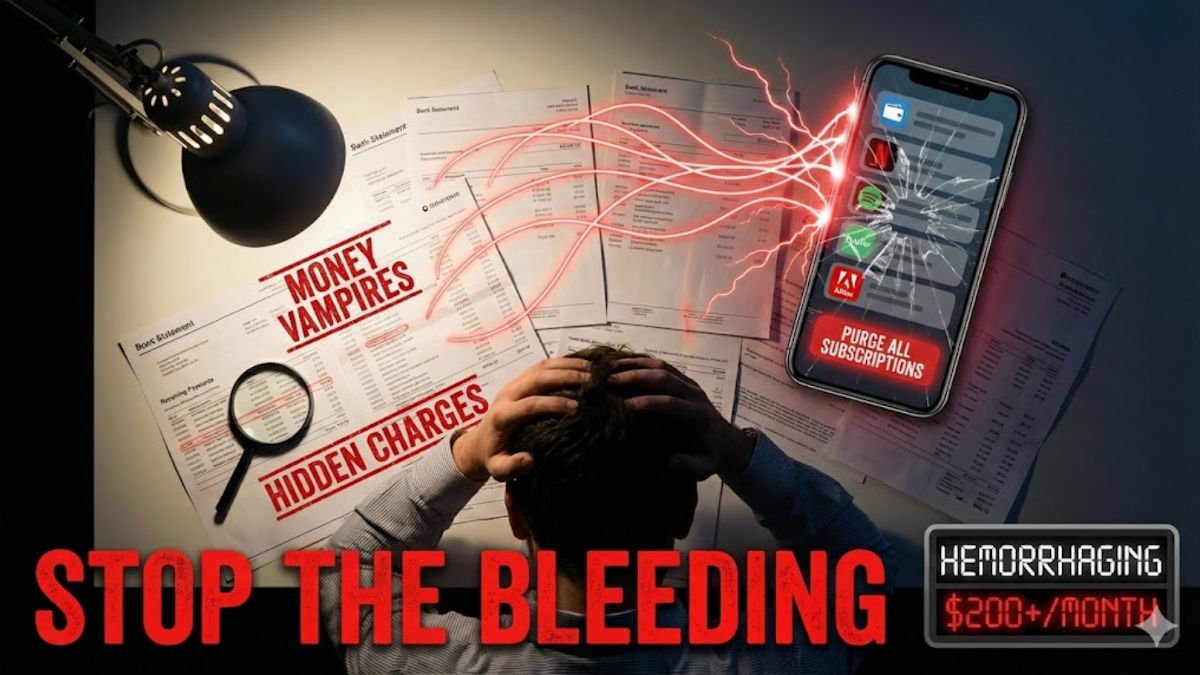
You’re hemorrhaging money right now, and you don’t even know it. Streaming services, apps you downloaded once, that meditation platform you swore you’d use daily, they’re all silently draining your bank account every single month.
The average person spends over $200 monthly on subscriptions and underestimates the actual cost by 40%. Do the math. That’s thousands of dollars a year you could be saving.
Here’s how to stop the bleeding.
📈 Raid your statements
Pull up your checking account and every credit card you own. Go back three months and scan every transaction. Look for anything that repeats from the same company. That’s your smoking gun.
See Hulu three times? Subscription. Adobe every month? Subscription. If your bank lets you sort by merchant name, do it. That makes these money vampires jump right out at you.
📲 Hit Apple and Google
Most people have no clue they’re paying for app subscriptions through their phones.
- iPhone: Go to Settings > tap your name at the top > Subscriptions. You’ll see every single thing charging you through Apple.
- Android: Open Google Play Store > tap your profile picture > Payments & subscriptions > Subscriptions. I guarantee you’ll find apps you forgot existed.
💸 Check apps directly
A ton of services bypass Apple and Google completely and bill you straight through their own systems. Open every app that could possibly have a subscription option, Calm, Spotify, Adobe, Microsoft, Dropbox, AI chatbots, whatever productivity tools you use.
Dig into their account settings and look for Billing or Subscriptions. Don’t trust your memory here. Check them all. You may even have a subscription for printer ink.
🤦🏼♂️ The streaming service trap
This is where people get absolutely hammered. You’re paying for Netflix, sure, but are you also paying for Paramount+ through Amazon Prime Video? Or Starz through Apple TV? Here’s how to check:
- Amazon Prime Video: Account & Settings > Channels.
- Apple TV: Settings > tap your name > Subscriptions.
- YouTube: Click your profile > Purchases and memberships.
These add-on channels are subscription quicksand.
🫸🏼 Cancel without mercy
Look at your list. If you haven’t used something in 30 days, cancel it. Stop lying to yourself about using it someday. You can always resubscribe later if you actually miss it, but spoiler alert: You won’t.
Set a reminder to do this every six months. You’ll thank me when you’ve saved $2,400 by the end of the year.