



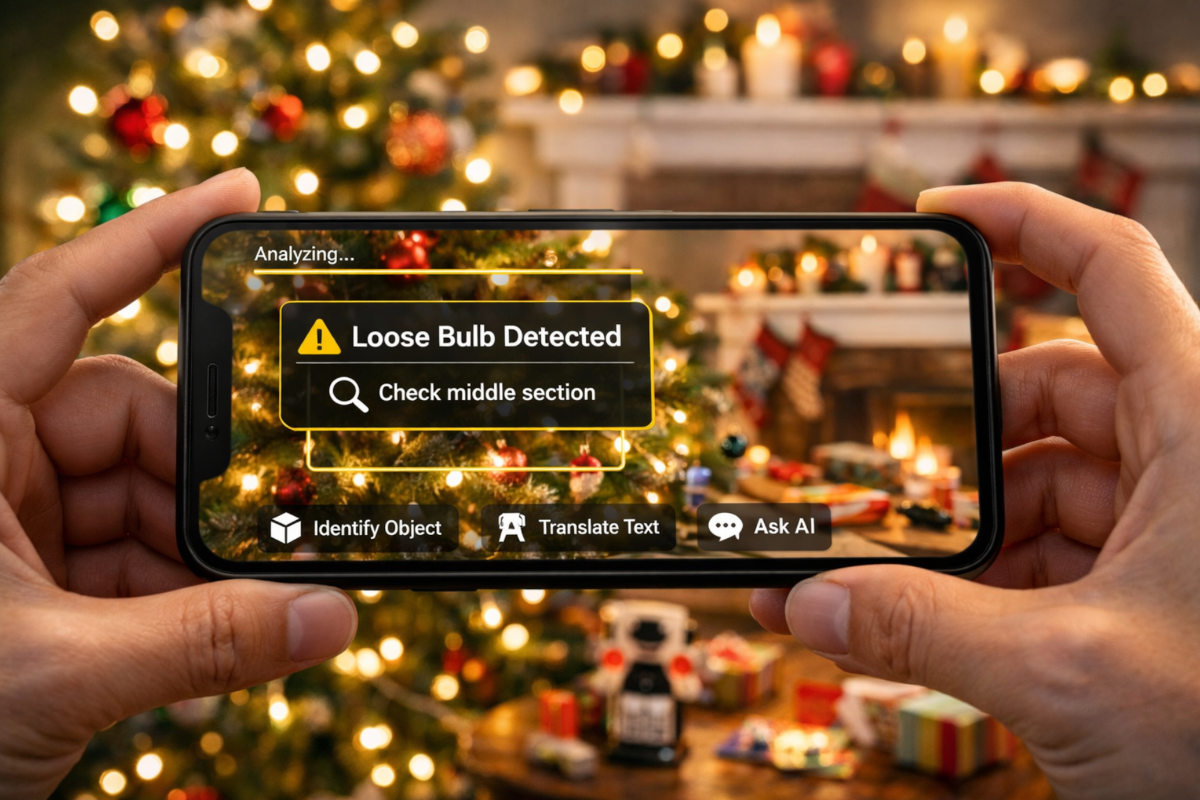
Your phone’s camera is a real genie. I want you to start using it that way, especially this week.
Whether you’re carrying the brand-new iPhone or an older Android you refuse to part with, your phone’s camera got a serious upgrade. You’ve probably seen ads for things like Visual Intelligence or Circle to Search, but here’s the secret. You don’t need a thousand-dollar phone.
If you have the Google, Gemini or ChatGPT app installed, your camera can now see problems and help solve them in real time. It’s amazing, really.
🛑 Stop typing questions into Google
Use your phone’s camera and ask away.
🍎 iPhone: Apple calls this Visual Intelligence, and it’s built in. Press and hold the Camera Control or the Action button. Point your camera at the object or problem. Then tap Ask and start talking about what your phone sees.
Btw, I got a message about needing to be over 13 to use it. I was like, right. Head to Settings > [Your Name] > Personal Information to verify your birth date, then tap iCloud within that same menu to set Age Group for Apps to Always.
🤖 Android: Use Circle to Search. Long-press the Home button or navigation bar. Circle or tap what you want help with, then add your question like “How do I fix this?”
If Google blocks you, head to your Google Account settings > Personal Info and verify your birthday. If you’re using a Workspace/Education account, your admin might have AI features toggled off for “minors” by default.
Tip in a tip: If your phone is older, you’re not left out. Open the Google app, tap the camera icon and use Google Lens. You can also scan handwritten notes. Point your camera at a messy grocery list or a kid’s letter to Santa, and AI can turn it into text and even help you find items nearby.
🧞♀️ Unleash your digital genie
Use live video. Open the ChatGPT or Gemini app, tap the voice or live icon, switch to the camera and move your phone while you talk. No photos needed. It’s real-time help.
Try this. Point at your Christmas tree and ask why the lights went out. Scan your living room and ask how to decorate it better. Aim at your TV cables and ask which one goes where. Even ask if that tie really works with that shirt or if those jeans make you look fat. (They don’t.)
Remember, these tools send images to the cloud. Don’t scan bank statements, medical info or anything sensitive. Save the magic for gifts and gadgets, not your private life.🤩One last favor. If this helped you or made you say “wow,” use the share icons below and pass it along. Everyone knows someone who’s still typing questions into Google when their camera could do the work faster. This is one of those tips that makes life easier immediately, and those are always worth sharing.