




April 12, 2025

One setting you’ll use all the time

Ever stumble across a setting and think, “Wait, why didn’t I set this up sooner?”  Turn your phone into a shortcut machine with this hidden feature. Let me introduce you to Back Tap.  This Android and iPhone feature lets you double- or triple-tap the back of your phone to trigger actions like turning on the […]
April 6, 2025

What’s replacing your smartphone? Here’s what’s coming next

Let’s be real: Smartphones are getting out of hand, literally.  We traded pocket space for bigger screens, better cameras and more power. Some of these glass bricks are the size of a paperback novel and about as easy to use one-handed.  Even Marty Cooper, the man who invented the cell phone, told me directly that […]

March 31, 2025

Tech how-to: Delete your DNA data

You can freeze your credit. Change your password. Replace a stolen phone. But there’s one thing you can’t ever change: your DNA.

March 14, 2025

The future of laptops

My job is to keep you ahead of the curve, so you know what’s worth your hard-earned money and what’s just hype. One reader recently asked me: Where are laptops going next? Let’s break it down. 🤖 AI is baked in As AI gets better, imagine a bot that automates boring laptop tasks like booking […]

March 8, 2025

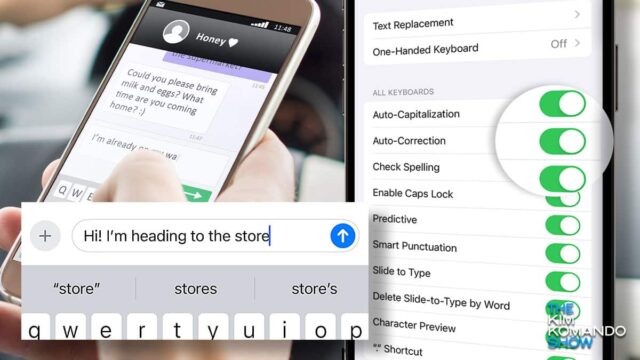
How to train your autocorrect to actually work

Steps to make autocorrect on Apple iPhone and Android work for you.

March 5, 2025

Tech how-to: Turn off built-in AI on your computer and phone

Ever feel like your apps are trying a little too hard to be helpful? Maybe they’re suggesting cringy replies, summarizing things you actually wanted to read, or just getting way too pushy. Let’s dive into how to turn off those AI features that just aren’t working for you. Start in the settings Look for the […]

February 18, 2025

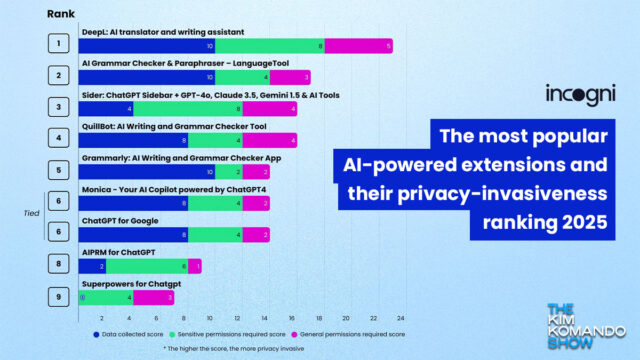
Delete these snoopy Chrome browser extensions

Browser extensions can collect as much or more as snoopy phone apps. Here are a few that are collecting way too much info.

February 17, 2025

Retailers, data brokers and ads, oh my!

Why does it seem like you get ads for what you just talked about? Here’s how this sneaky tracking really works.

February 15, 2025

Avoid these costly mistakes when sending money

Payment apps are handy, but there are some settings you need to be careful with.

January 25, 2025
location data on google, apple devices

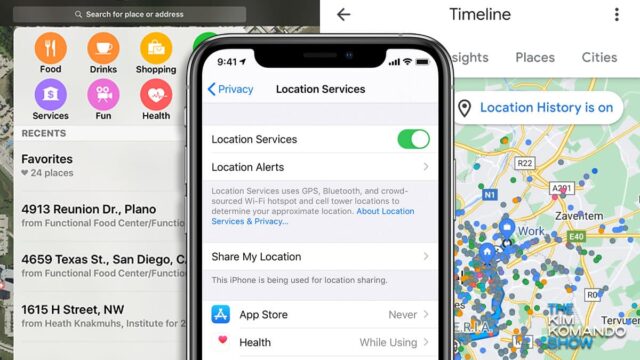
Delete location sharing apps – How to share in the ones you use

More and more location-sharing apps have been caught selling your data to third parties. Here’s how to use the stuff built into your phone already.

January 7, 2025
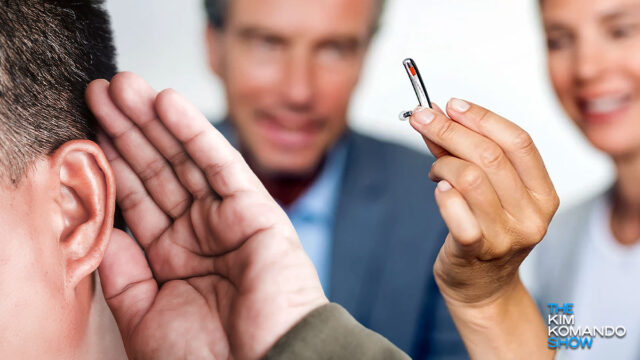
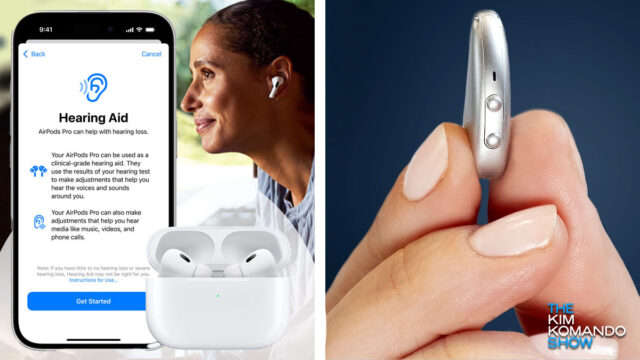
Hearing aids 101: How they work and Kim’s top tech pick

Hearing aids 101: How they work and Kim’s top tech pick

Hearing aids aren’t made like they used to be. Here’s what makes new models different.

December 26, 2024

How to take the perfect profile pic for social media sites

Tips for taking the perfect profile pics for social media.

November 11, 2024
Apple’s new hearing aid feature is about more than just AirPods

How to take Apple’s hearing test – and what to do if your hearing loss is more than mild

Hearing aid tech has come a long way, and the right pair can make a huge impact in your daily life.

October 5, 2024
Stop annoying political texts

Stop annoying political texts

Political texts driving you crazy? Here are smart tips to stop them, no matter your device.

June 26, 2024
Spam texts are up - Here's how to spot smishing scams

How to stop spam texts for good

Sick of getting spam texts all the time? Kim shares spam text do’s and don’ts, plus a great way to stop the barrage altogether.

May 13, 2024

How to deal with a cyberstalker

More victims of cyberstalking are reaching out to me for advice.

March 23, 2024

5 ways to improve your LinkedIn profile

Simple ways to spruce up your LinkedIn profile.

February 12, 2024
job search screen on a computer magnified

Job hunting on LinkedIn? Change this setting to keep your searches private

Change this one LinkedIn setting to secure your job searches.

February 11, 2020

Practical Tech Tip: How to change your mobile email signature

It’s better to have a clean email signature, one that denotes your name, position and the ways to reach you, rather than a simple auto-generated message.