



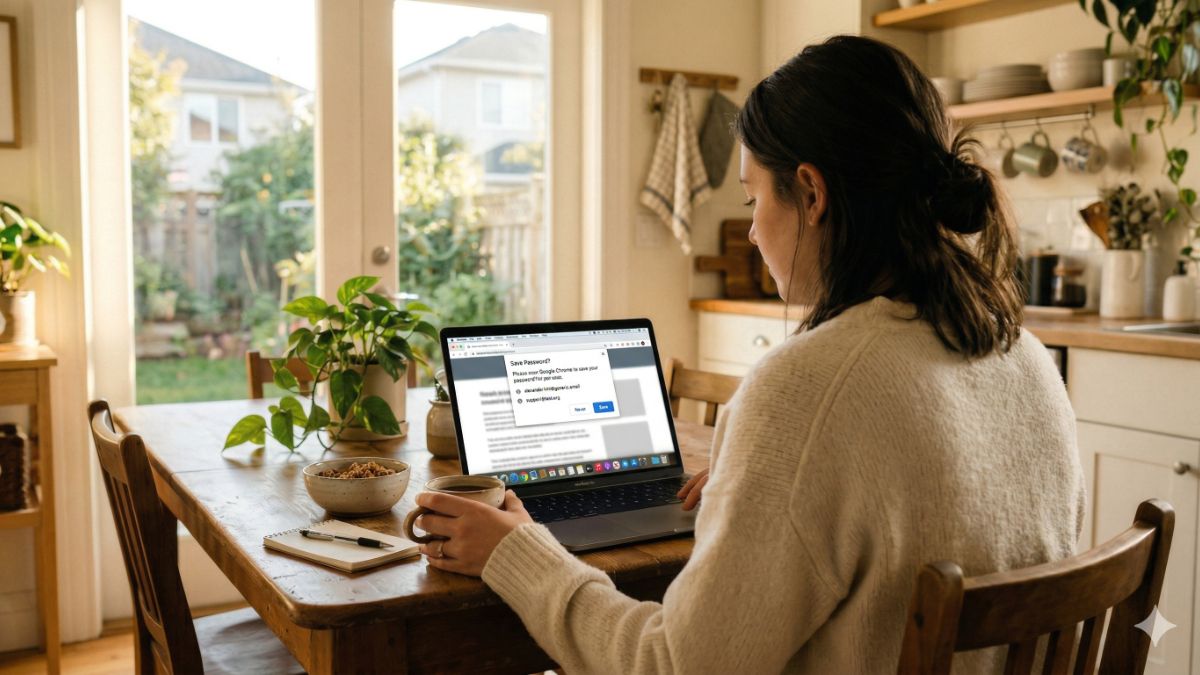

“Kim, I use Google to save all my passwords, and it works fine. My wife uses Apple’s built-in thing. We’ve never had a problem. Why would we pay for a separate password manager?” — Joe, Phoenix, AZ
Joe, I love this question. And you’re not wrong. Browser password savers work. But “works fine” and actually secure are two very different things.
Here’s where the gaps are. They’re the kind you don’t notice until the day everything goes sideways.
🔓 You’re trapped inside their world
Google’s password manager works beautifully in Chrome. Open Safari or Firefox, and your passwords vanish. Apple’s Keychain is seamless on iPhone and Mac. Pick up an Android or a Windows laptop? Good luck.
Those aren’t bugs. That’s their business model. Corporations built these tools to keep you inside their ecosystem. A real password manager lives on every browser, every device, every operating system. Your passwords go where you go. Full stop.
👁️ Google sees your passwords
Here’s the part most people don’t know. Google’s password manager is not zero-knowledge. Zero-knowledge means the company encrypts your vault on your device before it ever touches their servers. Even they can’t see what’s inside.
Google doesn’t do that. They say they don’t look. But “trust us” is not a security architecture. It’s a pinky promise.
🚨 One account down, everything down
Your Google password manager lives inside your Google account. Your Apple passwords live inside your Apple ID. If either of those accounts gets hacked, every single password you’ve ever saved goes with it. One breach. One bad click. Everything.
A dedicated password manager is its own separate lock with its own separate key. Not tied to your email. Not tied to your phone. Its own fortress.
Browser password tools save passwords. That’s it.
🙌 The right tool for 2026
A real password manager tells you which of your passwords are weak, which ones you’ve reused across sites (dangerous) and which ones are floating around on the dark web after a breach. It generates genuinely strong passwords you’d never come up with yourself. And it alerts you the moment a site you use gets hacked.
Joe, you’ve never had a problem. I honestly hope you never do. But I’ll tell you this: Almost everyone who gets cleaned out online says the exact same thing right before it happens.
I use NordPass.* I recommend NordPass. And I want to tell you why.
- It’s zero-knowledge, which means not even NordPass can see your passwords.
- Military-grade encryption.
- Works on every device and every browser, iPhone to Android to Windows to Mac. And in all its years of operation, it has never had a security breach. Not once.
✅ Right now, you can lock down every password you own for $1.43 a month, that is 52% off. Less than a pack of gum.
Less than a single song on iTunes. For the thing standing between a hacker and every account you have. Joe, this is the one. Get it here now.