AI can pinpoint your location from a single photo of your lunch. Here’s how to stop it.
A new wave of AI tools analyzes background details in your photos to identify exactly where you are. No GPS data needed. Here’s what to do about it.
⚡ TL;DR (THE SHORT VERSION)
- AI geolocation tools can identify your location from a single photo in seconds, no GPS data required.
- One tool, GeoSpy, can narrow your location down to within a few feet.
- You can protect yourself in under 2 minutes with a few quick settings changes.
📖 Read time: 2.5 minutes




 Gemini
I need your help: Add Komando.com as a preferred source on Google
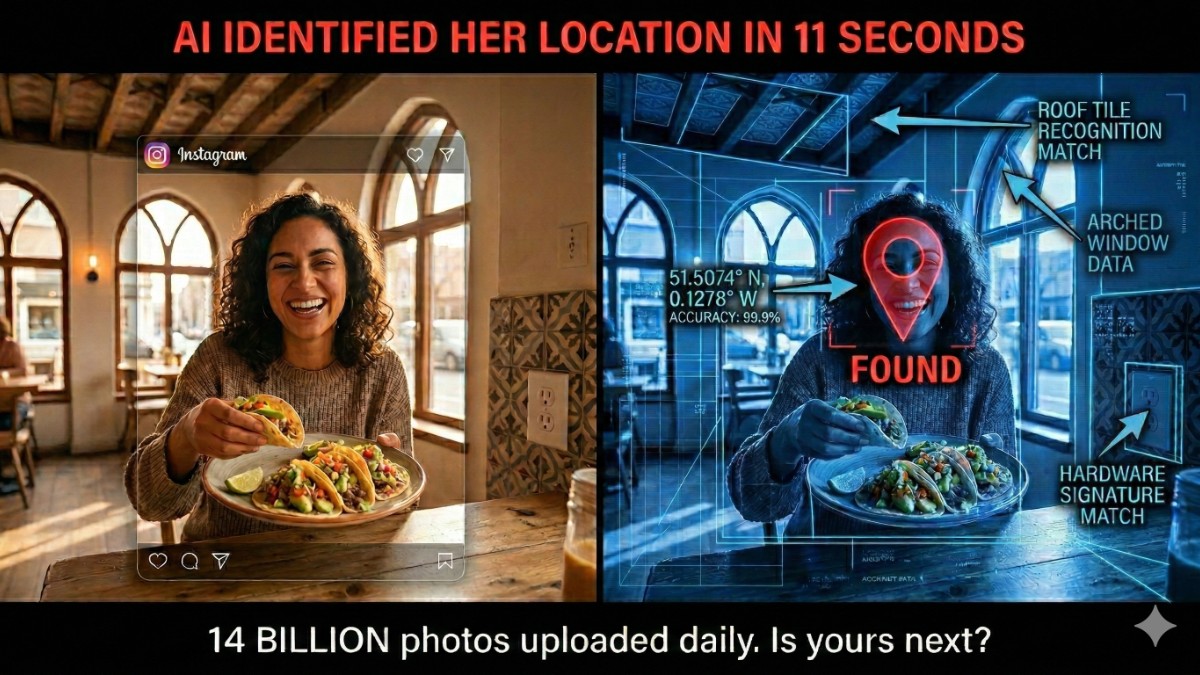
You post a photo of your tacos. Harmless, right? Nope.
AI tools can look at that photo and figure out exactly where you’re sitting. This is wild.
It’s not using any GPS data. The AI analyzes ceiling tiles, electrical outlets, trees outside the window and even the angle of sunlight.
📍 How it works
An AI tool called GeoSpy was trained on millions of images worldwide. It reads architectural styles, vegetation, soil types, road surfaces. Its latest model can nail your location to within a few feet. No metadata needed. Just the photo. It used to take trained intelligence professionals years to develop this skill. Now anyone with an internet connection can do it in seconds.
In April 2025, people discovered ChatGPT could do it, too. They uploaded photos of random bars and restaurants, and it identified the exact location in seconds. One guy shared a library photo. ChatGPT named the specific library in 20 seconds. (Seriously.)
Get this, 14 billion images are shared on social media every single day. Instagram alone sees 95 million uploads daily. Every one is a potential location beacon.
And social media stripping GPS metadata from your uploads? Cute. That used to be enough protection. Not anymore. AI reads the pixels, not the data.
🛡️ Lock it down in 2 minutes
- Turn off location tags on your camera. iPhone: Settings > Privacy & Security > Location Services > Camera > Never. Android: Camera app > Settings, toggle off Location tags.
- Kill location on social apps. Instagram: Profile > three lines > Settings > Story, live and location > Location sharing, change who can see your location to No one. Do the same in Facebook, Snapchat and TikTok.
- Think before you snap. Street signs, distinctive buildings or landmarks near your home? AI sees them. That coffee shop selfie with the unique mural behind you? Traceable.
- Crop tight. Love food photos? No judgment. Crop close to the plate. Less background means less for AI to work with. Some phones let you blur backgrounds automatically. Use that feature.
- Go private. If your photos are public, anyone can screenshot them and run them through these tools. GeoSpy’s own founder admitted people tried to use it to stalk specific women before public access was shut down. The tool is now restricted to law enforcement, but similar AI is everywhere. The genie is out of the bottle.
FYI, this isn’t only about strangers. A jealous ex, a nosy coworker, even a scammer building a profile on you. One photo with the wrong background, and they’ve got your neighborhood, your gym, your kid’s school.
🗣️ TEXT/POST THIS STAT: AI can pinpoint your location from a single photo by reading ceiling tiles, outlets and trees. No GPS needed. 14 billion photos are shared on social media every day. Lock your settings down. GetKim.com
📩 Send this to someone who posts pictures all the time online. Their tacos might be giving away their address. Use the handy icons below.