




“Hi, Kim, if I’m already using Face ID or my fingerprint to log into everything, why would I still need a password manager like NordPass?” — Jane in Austin, listening on 99.7 FM/590 AM News Radio KLBJ
Great question, Jane. A lot of people think the same thing, and the answer matters more than you’d guess.
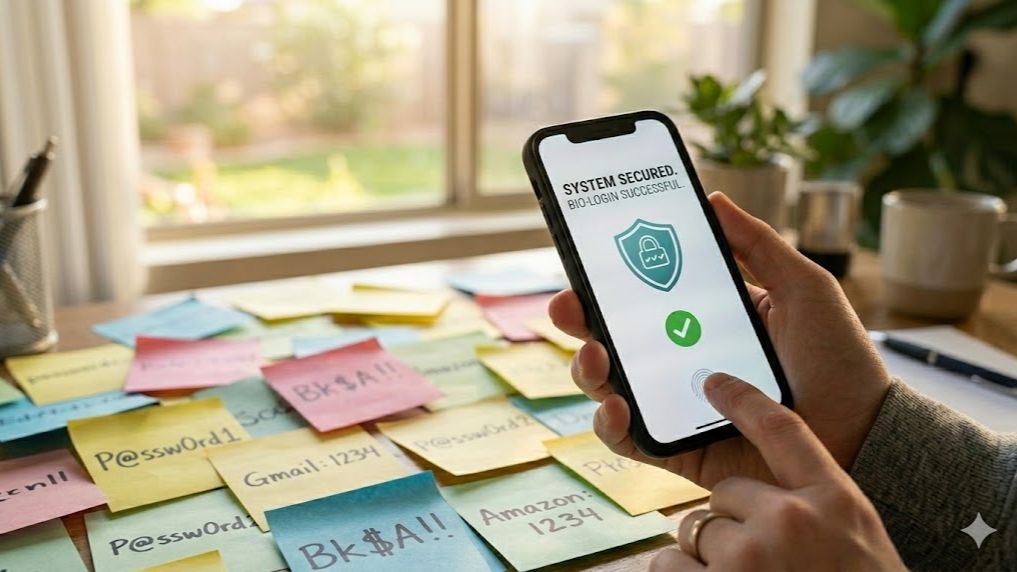
Face ID and your fingerprint aren’t logging you into your accounts. They’re unlocking your phone, so it can type the password for you. The password still exists. It’s still stored somewhere. And it can still get stolen when a company you’ve never heard of gets breached.
Your face unlocks the vault. It’s not the vault.
🔑 What’s protecting you
81% of data breaches trace back to weak or stolen passwords. The average person manages more than 100 of them. Most people reuse the same few across everything. You know you do.
Face ID and fingerprints don’t fix that. They just make it faster to get into the device holding your passwords. When your bank or that random shopping site gets hacked, your password leaks, and your face has nothing to do with it.
That’s where passkeys come in. A passkey is a unique encrypted key that lives on your device. You unlock it with your face or fingerprint. Nothing to type. Nothing to steal. No database storing your credentials that can get hacked.
Passkeys log you in 17 times faster than a password plus two-factor. Success rate is 98%. Passwords fail 98% of the time. It’s not close.
Microsoft made passkeys the default for all new accounts last May, driving a 120% jump in use. Google has 800 million accounts using them. Amazon had 175 million users create one in a single year.
Sounds great, but.
🛡️ The messy middle is real
You probably have 50 to 200 passwords and maybe a few passkeys you set up without realizing it. You’re managing them during a transition happening whether you’re ready or not.
Here’s the problem with built-in tools. Apple’s Keychain only works on Apple devices. Google’s only works in Chrome. Mix an iPhone with a Windows computer, and your passkeys don’t follow you.
Reader Ron hit this wall. He set up a passkey on his Windows 11 laptop, tried to do the same on his iPhone, and the phone ignored the Windows passkey entirely. Instead, it defaulted to his Authenticator app, which told him it doesn’t support passkeys. Dead end.
Here’s why it happened.
Your Windows passkey lives in Microsoft’s ecosystem. Your iPhone passkey lives in Apple’s iCloud Keychain. They don’t talk to each other. The solution is a third-party vault that sits between them and syncs across both. That’s exactly what NordPass does.
NordPass, a sponsor of my radio show, is the only vault that works everywhere. iPhone, Android, Windows, Mac, Chrome, Firefox, Safari, Edge. Cybernews named it the best password manager for passkeys in 2026.
- Stores passkeys and old passwords in one vault during the transition
- Cross-platform sync across every device and browser
- Dark web monitoring alerts you the moment a site you use gets breached
- XChaCha20 encryption so advanced even NordPass can’t see your vault
✅ Right now, NordPass is 52% off, just $1.43 a month. Less than a cup of coffee to lock down every account you own. Get the deal today.
So yes, Jane. Keep using Face ID. But make sure what’s behind it is worth protecting.
📩 Send this to someone who uses the same three passwords for everything and thinks that’s fine. Use the brilliant links below.