



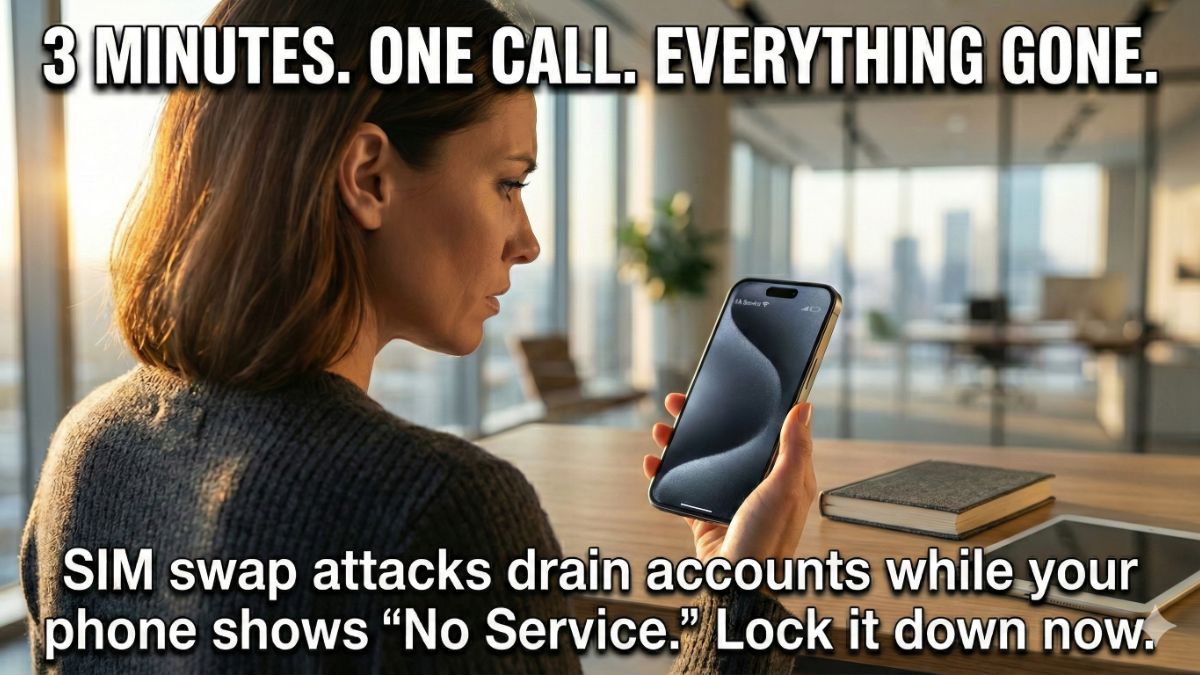
Your phone number is the most dangerous number you own. Not your Social. Not your bank account. Those 10 digits are tied to your email recovery, your bank login, your two-factor codes, your health portal and your Amazon account.
And a criminal can steal it in minutes.
📱 It’s called a SIM swap
A scammer calls your carrier, pretending to be you. They use details scraped from data breaches or social media to pass security questions, tell the rep they got a new phone and need the number transferred. Done.
Your phone goes dead. No signal. No texts.
Meanwhile, the criminal is getting every two-factor code meant for you. They reset your passwords, drain your accounts and lock you out of your own digital life. The whole thing can take less than three minutes.
🔒 Lock your number right now
These settings are not turned on by default. That’s the problem. I walked through every one of these steps myself. Depending on your device or app version, things might look slightly different. Poke around. You’ll find them.
- AT&T: Open the myAT&T app or sign in online. Go to Account > Services (second tab at the bottom) > Mobile Security > toggle on Wireless Account Lock. This blocks all SIM swaps, device changes and port-outs until you turn it off.
- Verizon: Open the My Verizon app. Tap Me > Edit profile and settings. Toggle on BOTH SIM Protection (blocks SIM swaps) and Number Lock (blocks porting to another carrier). You need both.
- T-Mobile: Open the T-Life app. Go to Manage > gear icon > Security > enable SIM Protection. To lock your port-out, you may need to call 611 to set a port-out PIN if the app toggle is grayed out.
- Consumer Cellular: Call customer service at 1-888-345-5509 and tell them, “I want to add a manual port-out PIN to my account.” Consumer Cellular requires this PIN before any number transfer.
📱 And then, do these things
Set a SIM PIN on your phone (this is different from your screen passcode). It blocks access if someone physically removes your SIM card.
- On iPhone: Settings > Cellular > SIM PIN.
- On Android: Settings > Security and privacy > More security settings > SIM card security.
Switch your important accounts (bank, email, crypto) from text message 2FA to an app like Google Authenticator. SMS codes are the exact thing criminals steal in a SIM swap. Authenticator apps live on your device and can’t be intercepted. Learn more on my site here.
📩 Send this to someone who still uses text messages for two-factor authentication. Use the handy icons below.