I have passkeys on Google and my bank. Do I still need a password manager?
Paul in Indiana set up passkeys and wonders why he still needs a password manager. Fair question. Passkeys cover maybe a dozen accounts. The other 150 are still running on “Fluffy2019!” Here’s how the two work together and the one move that ends password chaos for good.
🤯 WOW! A passkey can’t be phished, guessed, leaked or cracked. It’s the best login tech we’ve ever had. And you can use it on maybe 5% of the sites you log into. The other 95% still want the password you’ve been recycling since your flip phone.
📖 Read time: 2 minutes
 ChatGPT/Kim Komando

August 23, 2026
“Kim, love the show and your newsletter! Here’s my problem. I created a passkey for my Google account. I have one for my bank, too. If these are more secure, why would I even need a password manager? I just want to stop reusing the same password with a different character at the end. This is nuts!” — Paul in Indianapolis
Paul, you’re not nuts. You’re ahead of most people. Let’s finish the job.
🔐 Passkeys: The lock that can’t be picked
First, a passkey is a tiny digital key that lives on your phone or computer. You unlock it with your face or fingerprint. No typing. Nothing for a crook to steal, because the secret never leaves your device.
Phishing email that looks like your bank? Useless. The fake site can’t accept a key that only works on the real one. Big company gets hacked and leaks 100 million logins? Your passkey wasn’t in there to leak.
So yes. Passkeys win. Every time.
Here’s the catch. Google, Apple, Amazon, PayPal and a growing list of banks support them. Your pharmacy, your kid’s school portal, your power company, that airline you fly twice a year and the 140 random accounts you forgot you made? Passwords. Still.
The average person juggles somewhere north of 100 logins. Passkeys cover a handful. That gap is where hackers live.
🧠 The manager: Your brain, but it never forgets
A password manager is a locked vault that remembers everything so you don’t have to. One master password opens it. It creates a different 20-character monster for every site, fills it in automatically and warns you when one shows up in a breach.
Paul’s trick of adding a “1” or a “!” to the same old password? Cracking software tries that first. Those variations fall in under a second.
And here’s the part nobody tells you: Good password managers store your passkeys, too. That fixes the other passkey problem. Make one on your iPhone, and your Windows laptop shrugs. In a manager, it syncs everywhere.
Your plan, in order:
- Get a manager and import what you have. Your browser’s saved logins move over in a couple of minutes.
- Run its health check. Fix the reused and leaked ones first. Ignore the rest for now.
- Turn on passkeys wherever the manager spots the option. Google, Apple, Amazon, your bank.
- Memorize exactly one thing: the master password. Make it a long sentence you’d never forget. Then stop thinking about passwords forever.
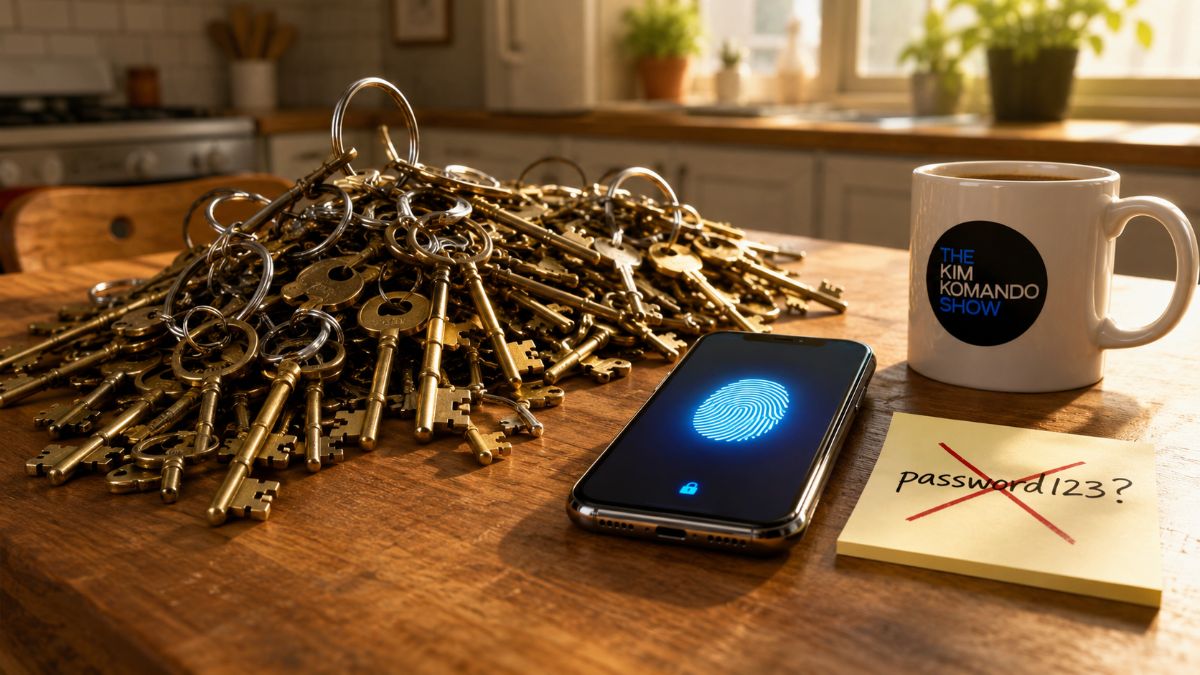
Passkeys are the dead bolt. The manager is the key ring. You still need the ring, Paul. But you never have to jingle it again.
🤓 The password manager I use
I’ve got well over 300 logins, and I couldn’t tell you a single one. That’s the point. NordPass remembers every password, card number and secure note and fills them in on my phone, laptop and tablet without me lifting a finger.
- It creates passwords no human could guess and no computer can crack in your lifetime.
- It stores passkeys, too, so the ones Paul already made follow him to every device.
- The built-in Data Breach Scanner taps me on the shoulder the second one of my accounts turns up in a leak.
- It’s built on the same zero-knowledge encryption NordVPN uses. Even Nord can’t see inside my vault. Nobody can.
Ready to stop playing password roulette?
✅ Get NordPass and save 55%, only $1.34/month and lock it down today. One master password. Zero headaches.
🎯 Send this to someone who keeps their passwords on a sticky note under the keyboard. (You know who.)



