Check this list of apps caught stealing, spying and billing you. They’re gone from the stores. They’re not gone from your phone.
Twenty-eight of them sold the same scam under one name. Five of them quietly installed a bank account thief. Fifty of them planted a rootkit that survives a factory reset. Google and Apple pulled every one of these apps this year, but removal doesn’t reach the copy on your phone. Here’s the list, the one rule that catches most of them and the five-minute check.
🤯 WOW! Twenty-eight apps named some version of “Call History of Any Number” took money from 7.3 million downloads and delivered random junk. Five “document readers” installed a Trojan that fakes the login screens of 831 banks. Fifty planted a rootkit that survives a factory reset. All suspect apps are gone from the stores. All are still on phones.
The Short Version: If the app name starts with “Call History,” delete it. Then run the five-minute check below and scan the full list on my site.
📖 Read time: 2 minutes
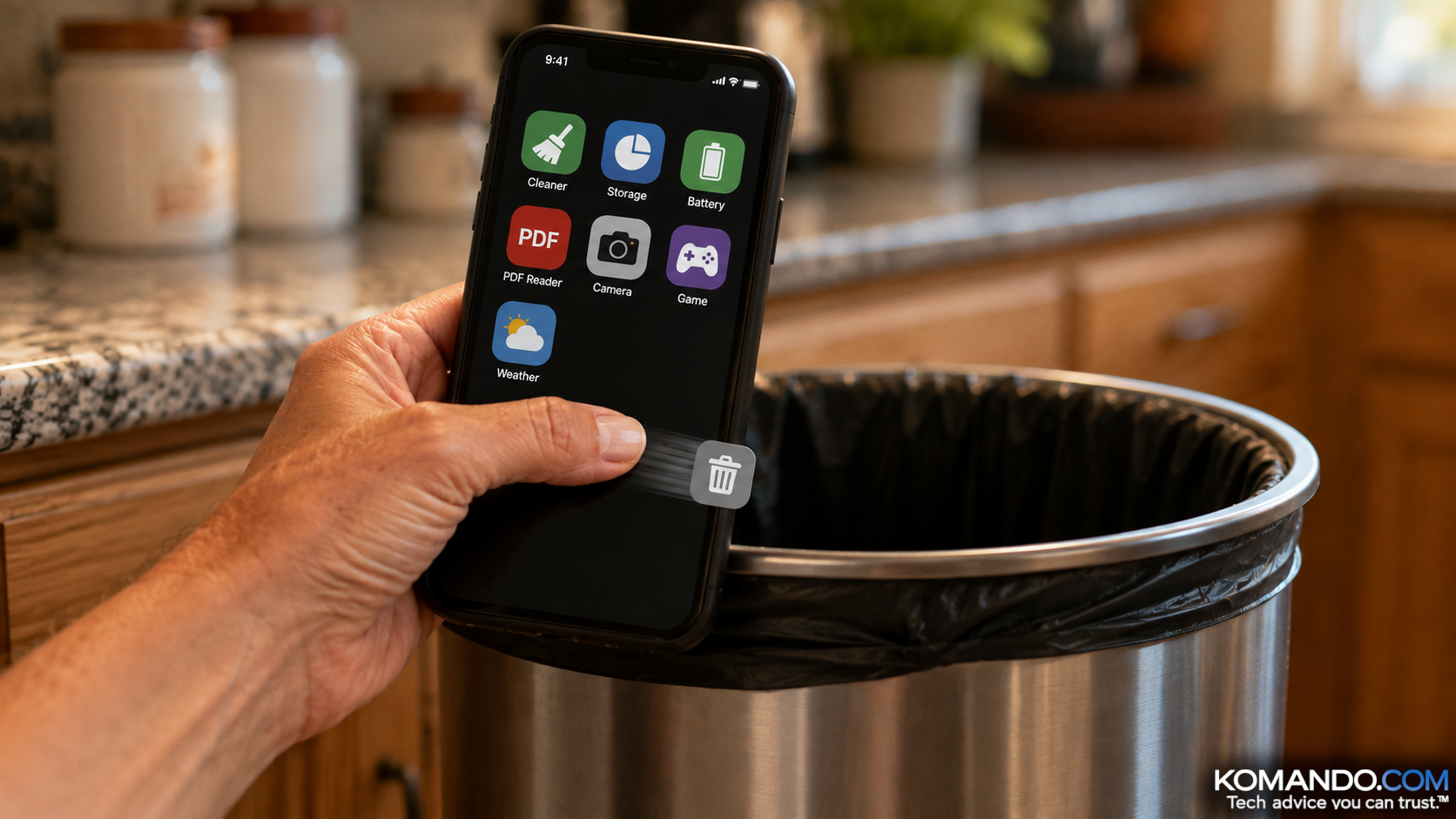 ChatGPT/Kim Komando
I need your help: Add Komando.com as a preferred source on Google
How do you decide if an app is safe? You check the reviews. Four stars, a few thousand ratings, looks fine. Boom, download it.
Here’s the problem. Those reviews are for a different app.
The crooks ship something clean and boring, collect the stars for a few months, then push an update that turns it into a bank thief. Every one of those honest reviews was left before the app went bad.
Make sure none of these are on any of your devices.
🗑️ Four kinds of Android nasties
- The “Call History” scam. Twenty-eight apps, 7.3 million downloads, all named some version of Call History of Any Number. They charged $6 to $80, promising to show you anyone’s call log or WhatsApp history, took the money, handed back gibberish. The rule: If the name starts with “Call History,” it’s a scam. Delete it.
- The bank thieves. Innocent PDF readers (Document Reader – File Manager, StellarGrid, File Horizon, Cleanova and more) quietly downloaded Anatsa, a Trojan that lays fake login screens over 831 banking apps and reads your texts for the codes. Tell: a reader that asks you to “install an update” inside the app.
- The rootkit. Operation NoVoice spread malware through more than 50 apps, 2.3 million installs, including Storage Cleaner, WiFi Finder, Gallery App and a 2048 Game. It rewrites a core Android file, so every app runs the crooks’ code and survives a factory reset. It only works on phones with no security update since 2021. That’s your grandma’s phone.
- The subscription signers. Nineteen “cleaners,” “messengers” and a Reel Drama app signed you up for premium services on your bill. You never need a third-party cleaner. Ever.
I hear you, “Kim, I have an iPhone and Apple vets all the apps for us.” Nope, you’re not off the hook: A wallet app called LeddgerNew (note the typo) was one of 26 crypto thieves, and a fake Sparrow Wallet is in a lawsuit over $1.8 million.
✅ The five-minute check
- Scan. Play Store > profile > Play Protect > Scan. Google says it auto-removes apps once flagged. iPhone has no equivalent, so delete anything you don’t recognize.
- Check who can see your screen. Settings > Accessibility > Downloaded apps. Anything enabled that isn’t a screen reader or password manager: off, then uninstall.
- Never update inside an app. Updates come from the store. Period.
- Patch or retire. No security update since 2021 means the phone is the target.
- Delete the boring stuff. Cleaners, PDF readers, “call history” finders, wallet look-alikes.
The list of offenders, with names, is on my site: Delete these apps. Bookmark it. I’ll keep it current.
These apps were taken out of the store. Now take them out of your pocket.
🎯 Send this to someone who has a “cleaner” app on their phone and thinks it’s helping.
📱 Text-worthy: More than 75 apps were pulled from Google Play and the App Store this year for stealing money, bank logins and more. One rule: If the app name starts with “Call History,” delete it (28 of them, 7.3M downloads). The kill list + 5-minute check on Kim’s site.



