Your carrier deletes voicemails automatically. Save the ones that matter tonight.
Your carrier isn’t a filing cabinet. AT&T keeps basic voicemail 14 days, T-Mobile says deleted messages “cannot be retrieved” and Verizon won’t take the blame even for ones you saved. Here’s how to turn a loved one’s message into a file you own forever, in a minute or so.
🤯 WOW: Your voicemails don’t live on your phone. They live on your carrier’s server, and some get erased in as little as 14 days, even the ones you “saved.”
The Short Version: Exporting a loved one’s voicemail as a forever audio file takes about a minute. Steps below, then store it in two places.
📖 Read time: 3 minutes
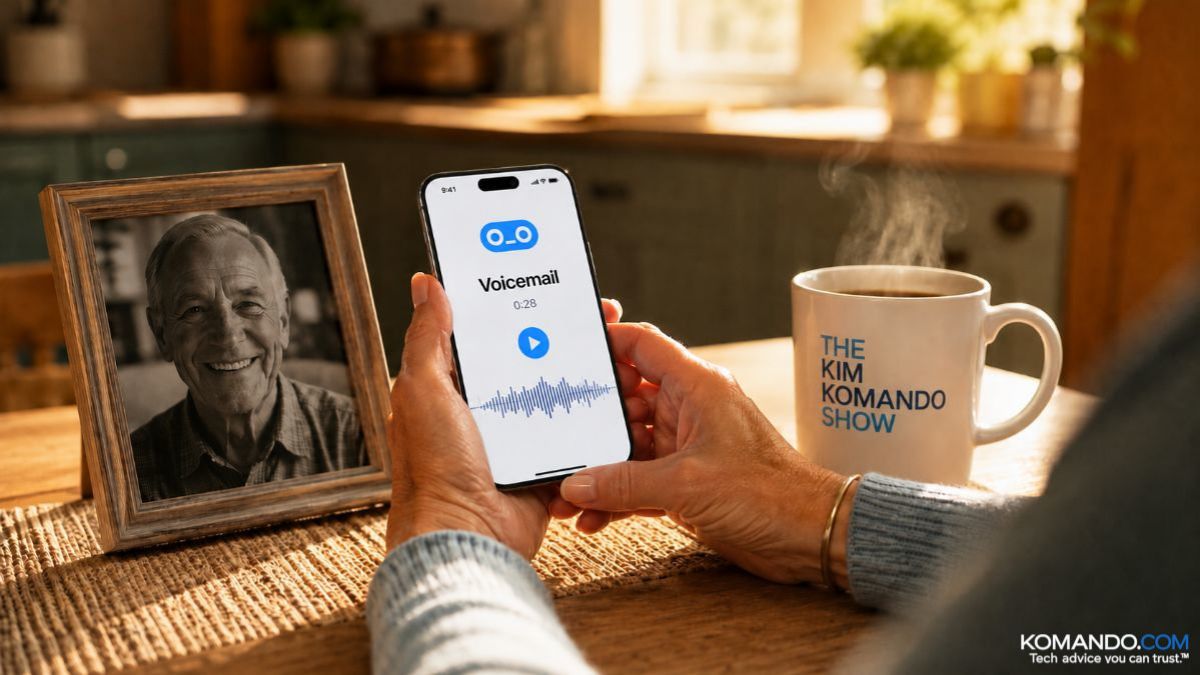 ChatGPT/Kim Komando
I need your help: Add Komando.com as a preferred source on Google
Two years ago, I wrote about how to save the voicemails of someone who has died. About a week later, a handwritten note showed up in my mailbox. A woman had followed the steps and rescued her late husband’s messages. She listens to them still. She wanted me to know they brought her comfort.
So I wrote her back. On paper. With a pen, like a person. She wrote to me again. Today, we see each other a few times a month. (Hi, Jan!) A column about carrier retention policies turned into a wonderful friendship, all because a voice got saved instead of deleted.
Here’s what you need to know: That voicemail from your mom isn’t stored on your phone. It lives on your carrier’s server, and your carrier treats it like leftovers in the office fridge.
⏳ The clock is already running
- AT&T: Basic voicemail keeps messages 14 days. Visual voicemail, 30.
- T-Mobile: 14 to 30 days, and once it’s deleted, their own support page says it “cannot be retrieved.”
- Verizon: Doesn’t publish an exact number, but their FAQ flat out says they’re not liable for deleted messages, “even if you saved them.”
- Consumer Cellular: Doesn’t publish a countdown. But their support is 100% U.S.-based, and they’ll walk you through saving a message step by step. Dial 611 from your phone, or call 1-888-345-5509. Do it before you need it, not after. Full disclosure: Consumer Cellular is a sponsor of my national radio show.*
💾 Save it forever (takes one minute)
I tested the steps below. Yours might be different, depending on your phone’s make, model and operating system.
- iPhone: Open Phone > Voicemail. Tap the message, then tap the Share button (the box with the arrow). Choose Save to Files, or tap More, then pick iCloud Drive or Google Drive. Done. It’s now an audio file you own.
- Android: Open the Phone app > Voicemail. Tap the message to expand it, hit the Share icon and save it to Google Drive. It exports as an MP3.
- Samsung: In Visual Voicemail, click and hold the message you want to save, tap Archive. FYI, archiving removes it from the server, so move that file somewhere safe right away.
- Old-school or landline voicemail: A service like Voicemails Forever can capture messages over a phone call. Or go janky and simple: Play it on speaker and record it with another device. Nobody’s judging. The recording is the point.
Pro tip: If you’re ever closing a loved one’s account, save the voicemails before you call the carrier.
A minute or two tonight. That’s the whole ask. Someday you’ll tap Play and hear a voice you thought you’d lost, saying something ordinary like “Call me back.”
🎯 Send this to someone who still has their dad’s number saved and can’t bring themselves to delete it.
📱 Text-worthy: PSA: Carriers auto-delete voicemails, some in 14 days, even “saved” ones. Go save the ones from people you love as audio files TONIGHT. Takes a minute.



