The power went out. Does your smart garage door open? Does your smart lock? Here’s the 10-minute test to run before a storm finds out for you.
Smart locks, smart garage doors and Wi-Fi everything are great until the electricity stops. Here’s what keeps working in a blackout, what quits, the $60 gadget that keeps your Wi-Fi alive and the weekend drill that gets you ready.
🤯 WOW! The power goes out, and your smart garage door becomes a 200-pound wall. Know your smart lock’s backup plan, put your modem and router on a $60 battery backup and run a 10-minute blackout drill this weekend. Steps below.
📖 Read time: 2 minutes
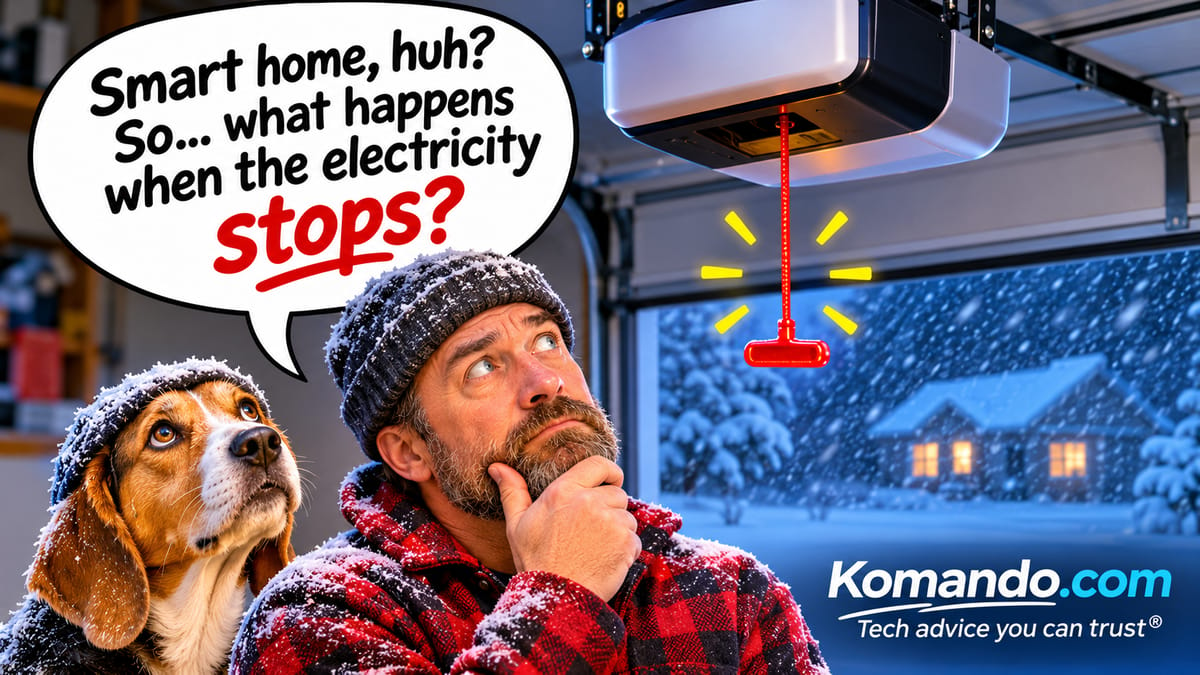 ChatGPT/Kim Komando
I need your help: Add Komando.com as a preferred source on Google
We put Wi-Fi in our locks, lights, thermostats and garage doors. Then we forgot to ask one question: What happens when the electricity stops?
Winter storm season is approaching. Let’s find out on your schedule, not the storm’s.
🚪 What dies and what doesn’t
- Garage door opener: Dead, unless it has a battery backup. California has required one on new openers since 2019. Everybody else, look up. A red emergency release cord hangs from the opener rail. Pull it and you can lift the door by hand. Do it with the door closed, because a door with a broken spring can slam down fast.
- Smart lock: Good news. Most run on AA batteries, so the keypad keeps working in a blackout. The app and voice control quit when the Wi-Fi does. Dead lock battery? Many models have a backup key or terminals where you hold a 9-volt battery to jump it. Know which yours has.
- Wi-Fi: Gone. That means no smart speakers, no streaming and no Wi-Fi calling, a problem if your home cell signal is lousy.
- Fridge: Hang in there. The USDA says food stays safe about four hours if you keep the door shut. A full freezer holds about 48 hours, a half-full one about 24.
🔦 The 10-minute blackout drill
Rehearse a blackout this weekend, in daylight, with coffee.
- Get a battery backup. A small one, called a UPS, runs about $63. Plug your modem and router into it, and your Wi-Fi can often stay up an hour or more. FYI, if your internet company’s neighborhood gear loses power, too, you’re offline anyway. Your phone’s hotspot is plan B.
- Flip the breakers. Turn off the circuits for the garage and your router at the breaker box. Skip this if anyone at home relies on medical equipment.
- Walk the house. Open the garage by hand. Punch in your lock code. Note which lights, cameras and doorbells go dark.
- Turn it all back on. Run the garage opener once so it latches back onto the door. Check that cameras, thermostats and plugs reconnect.
- Leave a note. Tape “Pull the red cord” inside the garage. Future you says thanks.
A smart home is only as smart as its backup plan. Mine? Generac generators that power the entire house. When the lights go out on my street, my Wi-Fi doesn’t even notice. (Mine run on natural gas. Propane models are available, too.)
I’d tell you a joke about power outages, but I don’t want to leave you in the dark.
🗣️ Text/post this stat: Your smart garage door dies in a blackout, but a red cord hanging from the opener lets you lift it by hand. Go find yours tonight. GetKim.com
📩 Send this to someone who just made their whole house “smart.”