Your password is too short. Let’s fix that

I hate passwords. They are a total pain in the butt. Now don’t kill the messenger…

Hackers have amped up their game and are using powerful AI software that can rip through millions of password combinations in seconds. Brace yourself, your password really needs to be at least 20 characters, and there should be a completely different one for each account.

📊 The common mistake 

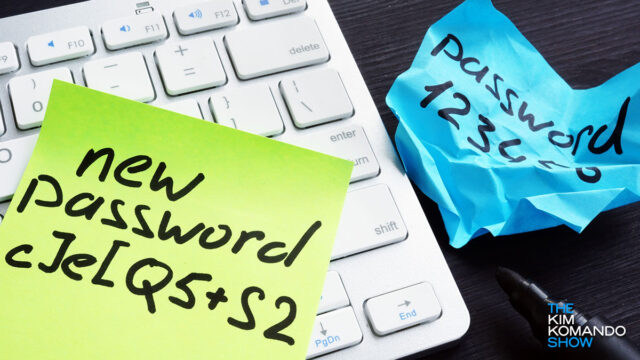
Let me guess: You have a few passwords you just tweak depending on the site. That “hack” is exactly what hackers count on. Stop that.

Next mistake, maybe you’re saving passwords in your browser? 

I get it, it’s easy. Chrome, Safari, Edge, all offer to remember your logins with one click. Here’s the problem with that. If malware sneaks onto your device (and it doesn’t take much), it can grab everything you’ve stored, logins, emails, even credit card info, without you ever knowing. 

And rogue browser extensions? Some are built to harvest your passwords right from under your nose. 

🧠 Your password plan

  • Make your password long: Shoot for 20 characters or go up to 60 characters with a good password manager (and you should have one).
  • Use a passphrase: Think four or five random words strung together with numbers and characters.
  • Use a different password for every account: Hassle, I know. If one gets hacked, you don’t want your entire digital life going down with it.
  • Turn on 2FA: Always.  
  • Use a trusted password manager: Pick a solid one, and no more sticky notes or memory games.

😰 Your password manager problems

Maybe you’re thinking, I’ve got this, Kim. I don’t need a password manager. Or maybe you’re using a bad one.

LastPass? Federal agents have linked the 2022 LastPass breach to a $150 million cryptocurrency theft. They say attackers used data stolen from LastPass, including private keys and vault info, to siphon off crypto. Myki shut down. Dashlane scaled back its free plan. RememBear hasn’t been updated since 2023. 

Continue reading

Saving passwords in your browser? Stop that.

“Hi, Kim, I save all my passwords in my browser. So why do I need a password manager? Thanks for your newsletter. I can tell it’s a lot of work. The quality every single day is incredible.” — Robby in South Carolina

Continue reading

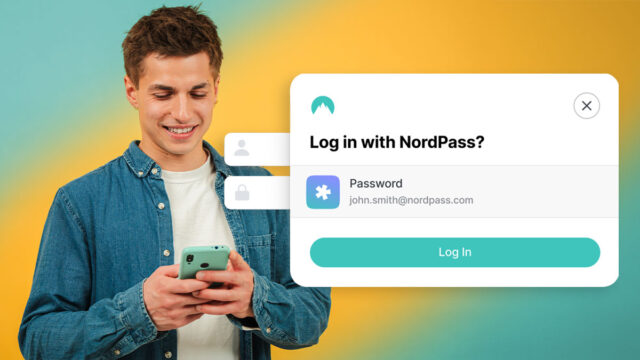
🔐 Seriously? Hey, quick check: Is your go‑to password “123456,” “password” or something equally predictable? If so, you’re not alone (in a bad way). It turns out that even in 2025, a study of over 2 billion leaked passwords found “123456” still appears about 7.6 million times. It’s the digital equivalent of putting a sticky note on your forehead that says “rob me.” You need a password manager. I use NordPass, just $1.24/month.

Hackers love your zombie accounts

How many online accounts have you made over the years? 50? 100? More? That’s enough to fill a digital graveyard.

A new study shows that 25% of all online accounts are never used again, but they don’t just disappear. They sit there, wide open, with your email address and password attached. These forgotten logins are called “zombie accounts,” and hackers love them.

Continue reading

How I stopped scammers cold

“Kim, Lifelock has gotten so expensive. Do I even need it?” — Matt in Texas

I’ve been hearing this a lot, Matt. I agree, LifeLock is pricey. My bill was $239.88 a year. Now, I’m paying $62.64 a year, that’s a 74% savings! More about that later.

Continue reading

184 million accounts just leaked, yours could be next

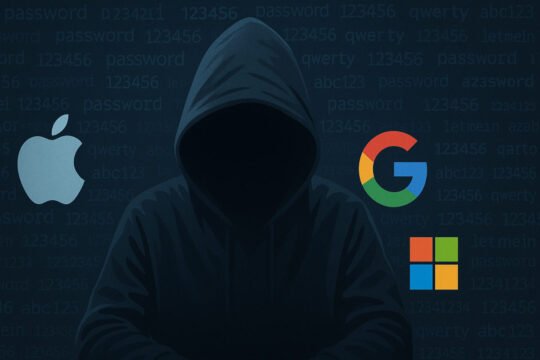
Hackers just hit a massive jackpot: 184 million accounts across Apple, Google and Microsoft were exposed in a sweeping data breach. I’m talking email addresses, usernames, passwords, device info (the whole buffet), now up for grabs on the dark web.

Continue reading

These passwords take 1 second to crack

Here’s a wild stat: 78% of the world’s most common passwords can be cracked in less than a second. The most-used password in the world, “123456,” has been leaked more than 3 million times. And get this: 1.2 million of those were corporate passwords.

Continue reading

My top password manager pick has an A+ security feature built in

But there’s a smarter way to protect your online accounts — using a trusted password manager like NordPass.

Remembering complex, unique passwords for every single account is practically impossible. If you’re like most people, you probably end up reusing passwords or writing them down somewhere, which isn’t your best bet if you value security. 

Continue reading