Your phone has a hidden button, a free hearing aid and a magnifying glass. Here are 7 things it does that nobody told you.
There’s a button on the back of your phone you’ve never pressed. Your AirPods are an FDA-cleared hearing aid. Your carrier will route calls over Wi-Fi, so the basement isn’t a dead zone anymore. And these short phrases get you past any phone tree. Seven tricks, all free, all already on the phone in your hand.
🤯 WOW! There’s a button on the back of your phone you’ve never pressed. Your $200 earbuds are an FDA-cleared hearing aid. And saying a few key words to an automated phone menu sends you straight to a human. All of it is already in your pocket, and all of it is free.
The Short Version: Seven settings and tricks, each under a minute. Start with the secret button. Steps below.
📖 Read time: 2 minutes




 ChatGPY/Kim Komando
I need your help: Add Komando.com as a preferred source on Google
No downloads. No subscriptions. Just seven things your phone could do the whole time, plus one for your mailbox.
🤫 The ones that feel like magic
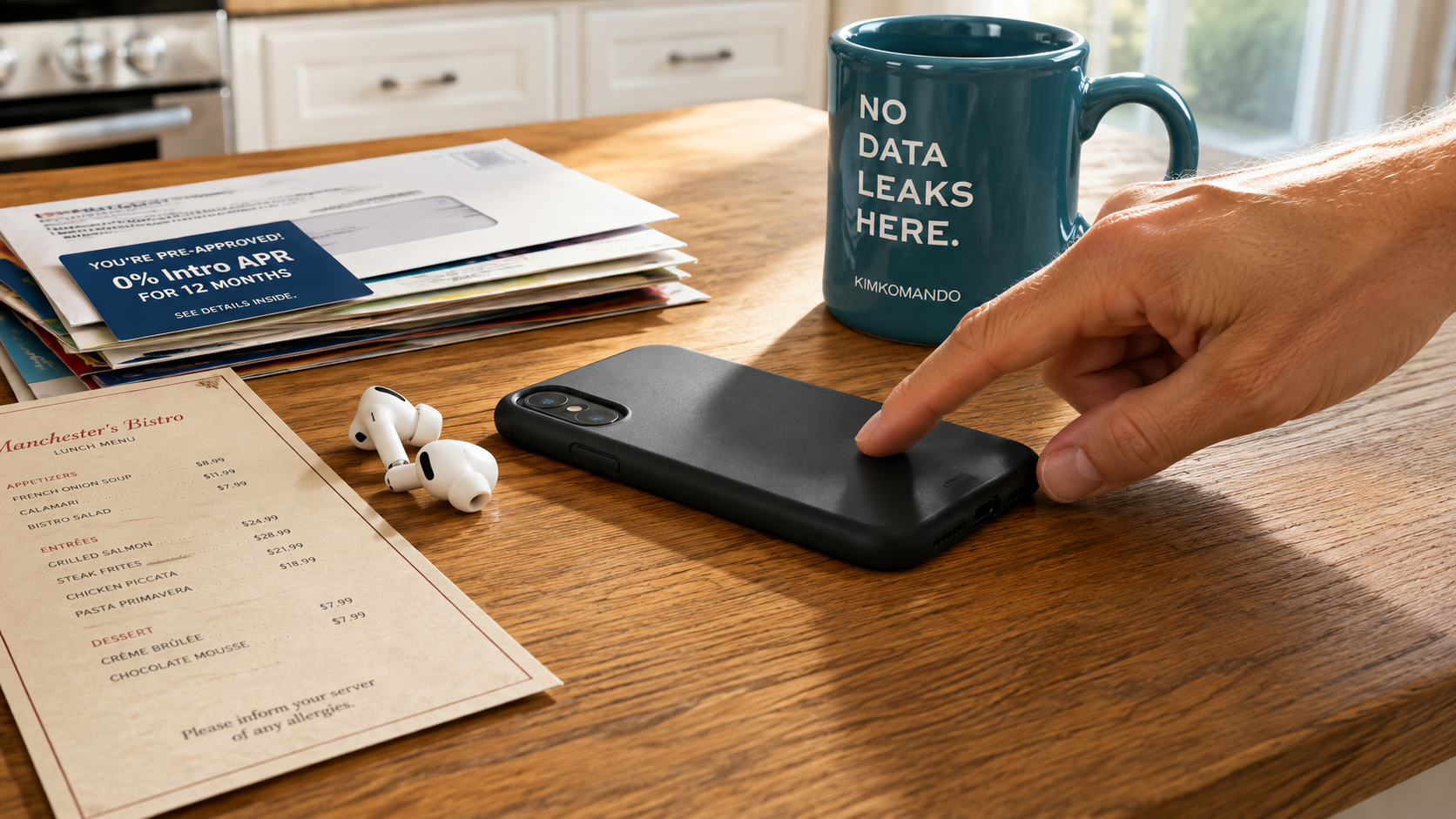
1. The secret button on the back. Double-tap the back of your iPhone, and the flashlight comes on. Triple-tap for a screenshot. You choose. Settings, search Back Tap, assign double and triple. Works through most cases. Android: search Quick Tap. Dark parking lot? Two taps. Done.
2. Your earbuds are a hearing aid. AirPods Pro run a clinical-grade hearing test. Settings > Hearing Health, five minutes of beeps, a real audiogram. Mild to moderate loss? Flip on Hearing Aid and Conversation Boost for restaurants. FDA-authorized. Free if you own the buds. Serious loss still needs a pro.
3. The magnifying glass. Tiny menu, dim light? Swipe down, search Magnifier (or “Hey, Siri, open Magnifier”). Zoom, flashlight, contrast and a freeze-frame button, so you can read without holding still. Pixel: Grab Google’s free Magnifier app.
🛠️ The ones that fix something annoying
4. Kill the dead zone. Every carrier supports Wi-Fi Calling, and most people never turn it on. Calls and texts ride your home internet instead of the tower. Your real number shows. iPhone: Settings > Wi-Fi Calling. Android: Phone app > Settings. Free.
5. Beat the phone tree. When the robot answers, say, “I need to cancel my service” or “I’m returning a call.” Straight to a human. Asked for your account number? Hit #. Stuck in a loop? Babble some nonsense three times, and most systems transfer you.
6. Fix the typo without the poke-fest. Hate the sentence? iPhone: Swipe left with three fingers to undo. Android: Hold backspace and slide left to erase whole words. Then set up Text Replacement (Android: Gboard > Personal Dictionary) so “omw” becomes “On my way.”
7. Give stores a decoy number. Go to voice.google.com, pick a free number in any area code, five minutes. That’s the one for loyalty programs, raffles, contractors and Marketplace strangers. Spam piles up in the app while your real number stays reserved for family and your doctor.
Bonus, for the mailbox: Those preapproved credit card offers a thief can fish out of your trash? OptOutPrescreen.com (run by three major credit bureaus, really) stops them for five years online, forever by mail. Doesn’t touch your score.
Seven minutes, seven fixes. Your phone had these talents all along. It just never bragged. Neither did I, until now.
🎁 Oh, one more thing: My merch drop wraps up this weekend. If the hoodie, tee, mug or hat’s been sitting in a tab somewhere, this is your nudge to actually check out. Shop now.
🎯 Send this to someone who still yells “REPRESENTATIVE” into the phone. You know who that person is.
📱 Text-worthy: 7 free things your phone does that nobody told you, including a secret button on the BACK (Settings > Back Tap), AirPods as an FDA-cleared hearing aid, a built-in magnifier, Wi-Fi Calling for dead zones and the phrase that skips any phone tree: “I need to cancel.”