



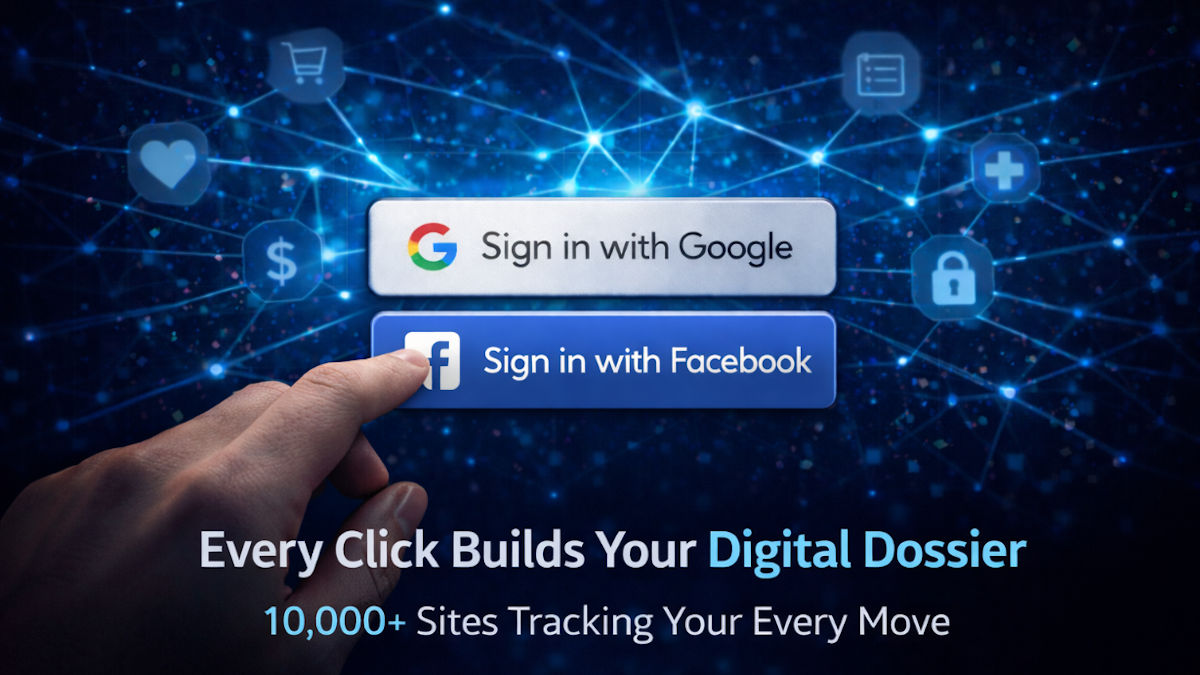
You know that Sign in with Google or Facebook button? The one you click because who wants to set up another account? Yeah, I get it. One click, you’re in. Super convenient.
But here’s what they don’t want you to know.
The second you click that button, the site gets your name, email and profile photo. Sometimes your phone number and birthday, too. And Google or Facebook? Let me count the ways.
🕵️ What they’re tracking
Tech folks call this single sign-on, or SSO. Sounds harmless, right? It’s not. You’re not just logging in. You’re handing over a permission slip to track you on tens of thousands of sites.
- Shopping sites: They know you browsed engagement rings, visited a jeweler and searched “how to propose.” And look, you bought plus-size clothes, baby gear or anti-anxiety meds.
- News sites: They track articles you read. Political leanings? Check. Financial concerns? Noted. Job hunting? That’s why you’re reading career advice at 2 p.m.
- Dating apps: They know you’re on Tinder, Hinge or Match, along with your swipes.
- Health sites: They see you researching diabetes, fertility clinics or therapists.
Meta admitted in 2024 that it uses SSO data to “improve ad targeting and user experience.” Translation: They’re selling everything about you to who knows who.
🎯 The profile they’re building
After a few months, they have:
- Your shopping patterns (what you buy, when, how much you spend)
- Your health concerns (conditions you’re researching, medications you’re comparing)
- Your relationship status (dating apps, wedding planning sites, divorce lawyers)
- Your political views (news sites, petition sites, donation pages)
- Your financial situation (loan comparison sites, credit card apps)
That’s why you google knee pain once and suddenly every site you visit shows you knee brace ads for six months.
🛡️ How to stop it
- Stop using SSO. I know, it’s a bummer. You need to create unique accounts for each site.
- Check what’s already connected. Google: myaccount.google.com/permissions. Facebook: Settings & privacy > Settings > Apps and websites. Revoke access to anything you don’t use all the time.
- Use email aliases. Apple folks, check out Hide My Email. It creates unique email addresses for each site that forward to your real inbox. Companies can’t connect them back to you. Gmail users, add a plus sign and any text you want between your username and the @ symbol. It all comes to your inbox, but companies still see your username. Now, if you’re looking for true private email, hit this link for a 7-day free trial of StartMail.*
That login button isn’t doing you a favor. It’s building a dossier. Time to cut the cord.
📤 Got a friend who clicks Sign in with Google like it’s a free sample at Costco? Forward this. They have no idea what they’re giving away. Share icons are right below.