



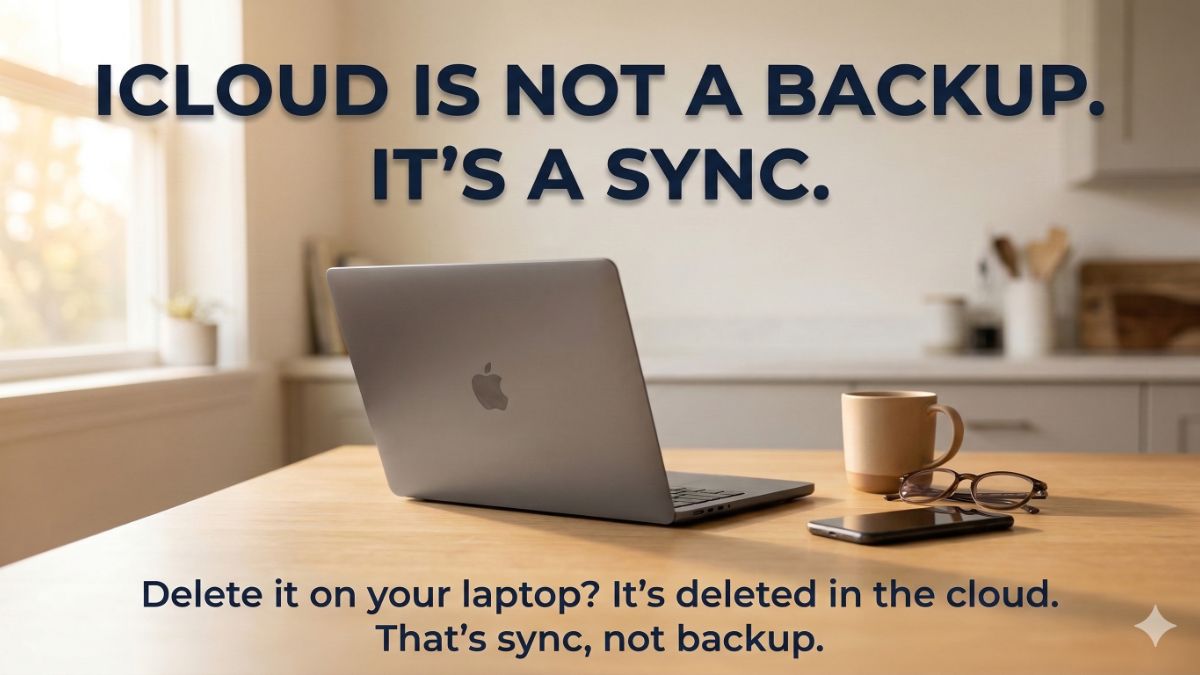
My friend Janet called me last weekend. She’d been cleaning up her laptop, deleting duplicates, clearing space, something we all do.
Well, six weeks later, she went looking for a folder of photos she’d been putting together of her son who is graduating high school. Inside that folder, her son’s first steps, his first day of kindergarten, his eighth birthday, prom, all his milestones. Gone. She’d deleted the folder by mistake and never noticed. She checked iCloud. Gone there, too.
A lot of people make the mistake of thinking, “I’ve got iCloud or Google Drive, so I’m all good.” Nope, these cloud accounts sync, and the 30-day recovery window quietly closes. I felt horrible for Janet.
👩🏼🏫 Let’s define ‘sync’
So there’s no confusion, sync means whatever is on your computer, phone, laptop or tablet gets mirrored to a cloud account. That sounds safe. But here’s the part you don’t know.
Sync also means whatever happens to your device happens to your cloud account’s files, too.
Delete something? Gone from everywhere, instantly. Get hit with ransomware that encrypts your files? Those encrypted, corrupted files sync straight up to the cloud within minutes and overwrite the good copies.
Your files syncing is not protecting you. It’s following along.
☁️ What cloud backups do
iCloud, Dropbox and Google Drive are great for pulling up a file on your phone that you saved on your laptop or sharing a document with a coworker. But access and protection are two completely different things. When it comes to protection, sync tools have a serious blind spot. That’s why you need a backup.
Real backup keeps independent, separate copies of your files, stored away from your devices and sync tools.
It saves older versions, so if something goes wrong today, you can go back to the version from last week, last month or last year. It doesn’t care what’s happening on your device right now. It’s preserving what you had before things went wrong.
That is the difference. Sync follows the present. Backup protects the past. You need both.
🛡️ This tool saves you
You may have heard me talk about Carbonite on my show. It’s a real backup. Not sync. Not mirroring.
It’s an independent, encrypted copy of your files sitting separate from your devices, your iCloud or Google Drive, anything ransomware or a hard drive crash can touch.
It runs silently in the background on your Windows PC or Mac. You don’t schedule it. You don’t manage it. You don’t think about it. It runs, saving your files automatically while you do everything else. Here’s what you get:
- Unlimited file backup, so you’re not choosing what’s worth saving
- File versioning, so you can restore a file from last week, last month or last year, not just the version that got corrupted today
- Full system restore if your hard drive dies completely
- External hard drive backup on higher plans, because most people forget those exist until they need them
- Ransomware recovery, so encrypted files don’t become permanent
- Remote file access from any device, anywhere
- Courier Recovery service that mails you your files on a hard drive if your internet is too slow to download everything at once
Carbonite gives you insurance.
✅ Get 75% off using this link, and plans start at just $2 a month. That’s nothing to protect photos, documents, years of work and memories you could never recreate at any price. Setup takes 10 minutes. Peace of mind lasts a lot longer.📩
Send this to someone who thinks they’re covered with a cloud account. Use the handy icons below.