Smart ways to handle all the holiday deliveries
As an Amazon Associate, some links pay us a commission at no extra cost to you. Keeps this website free. Thank you.
Getting ready for the avalanche of packages? This guide will keep you out of delivery limbo.
 Gemini
I need your help: Add Komando.com as a preferred source on Google
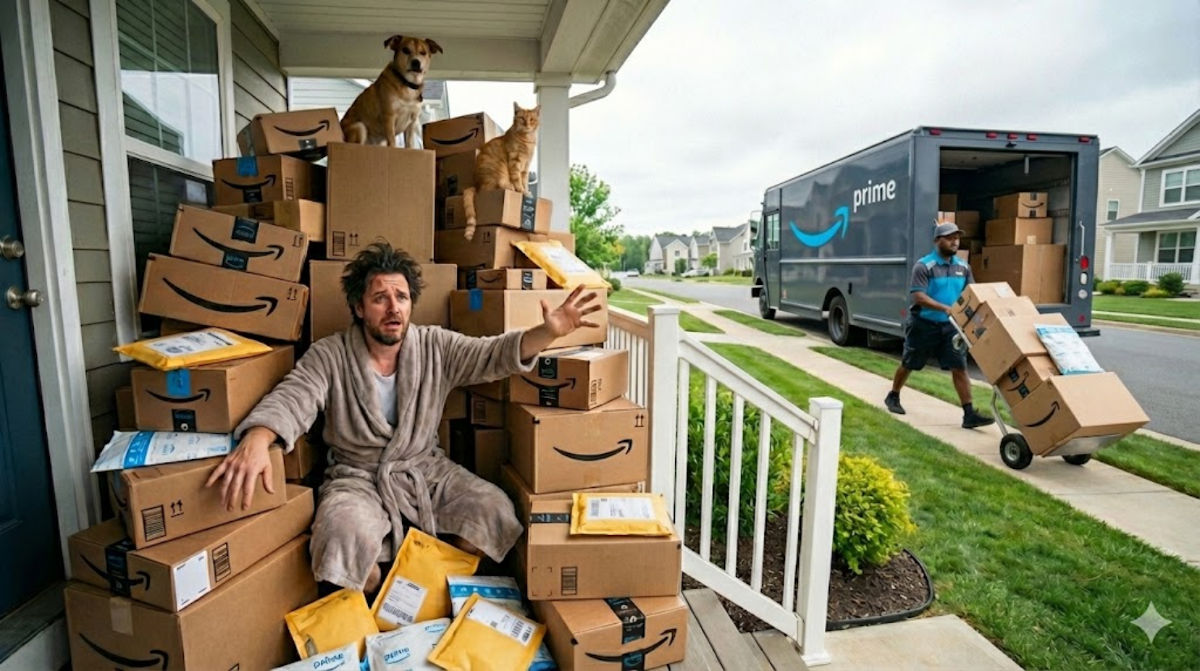
Prepare for the onslaught of boxes. Between gifts, orders and those late-night shopping sprees you don’t remember, the deliveries keep coming. Here are my smart ways for you to take back control.
📦 Use the Amazon app
Since Amazon is clearly our go-to, let’s start with the app.
Tap the box icon: Open the Amazon app and tap the little box icon at the bottom. You’ll see what’s arriving today, running late, shipped, scheduled and packages on the truck, complete with real-time map tracking.
Turn on delivery notifications: Make sure “Out for Delivery” and “Delivered” are both turned on for alerts the moment your package is scanned at the facility, loaded onto the truck and dropped at your door. Amazon app > person icon > Settings (gear icon) > Notifications > Account and Shipping > toggle on Shipping and delivery.
Set delivery preferences: Don’t let boxes sit outside all day, in pirate territory. When you check out, an available delivery date may show up. Choose Evening delivery or Deliver after 5 p.m. if available.
Add safe delivery instructions: Want packages left by the side gate or hidden behind the planter? Tell Amazon, and drivers see your note every time. Here’s how: Amazon app > person icon > Account > Account settings > Your addresses > Select your address > Add delivery instructions.
✉️ Gmail has your purchases
Open Gmail and look at the left sidebar for Purchases. Inside, you’ll see every order, shipping update, delivery confirmation and return notice. No searching. If you don’t see it, go to Settings, click See all settings, choose the Inbox tab and set inbox type to Default.
📬 Not on Gmail?
It takes just a minute to set up a rule or filter.
Apple Mail: Mail > Settings > Rules
Outlook: Settings > Mail > Rules
Yahoo: Settings > More settings > Filters
- Step 1: Create a folder. Name it Orders or Deliveries.
- Step 2: Create a filter or rule. Tell your email to automatically move messages with these phrases into that folder: “Your order has shipped,” “Out for delivery,” “Tracking number,” “Delivery update,” “Your package is on the way.” Once the rule is on, your inbox cleans itself.
- Step 3: Add retailer names. To make it smarter, add keywords like Amazon, Target, Walmart, UPS, USPS, FedEx and DHL.
🙌🏼 Everyone needs this intel. Forward this newsletter or use the share icons below. After all, cardboard boxes are the number one item shipped by Amazon.



