Your Ring doorbell is doing way more than watching for packages
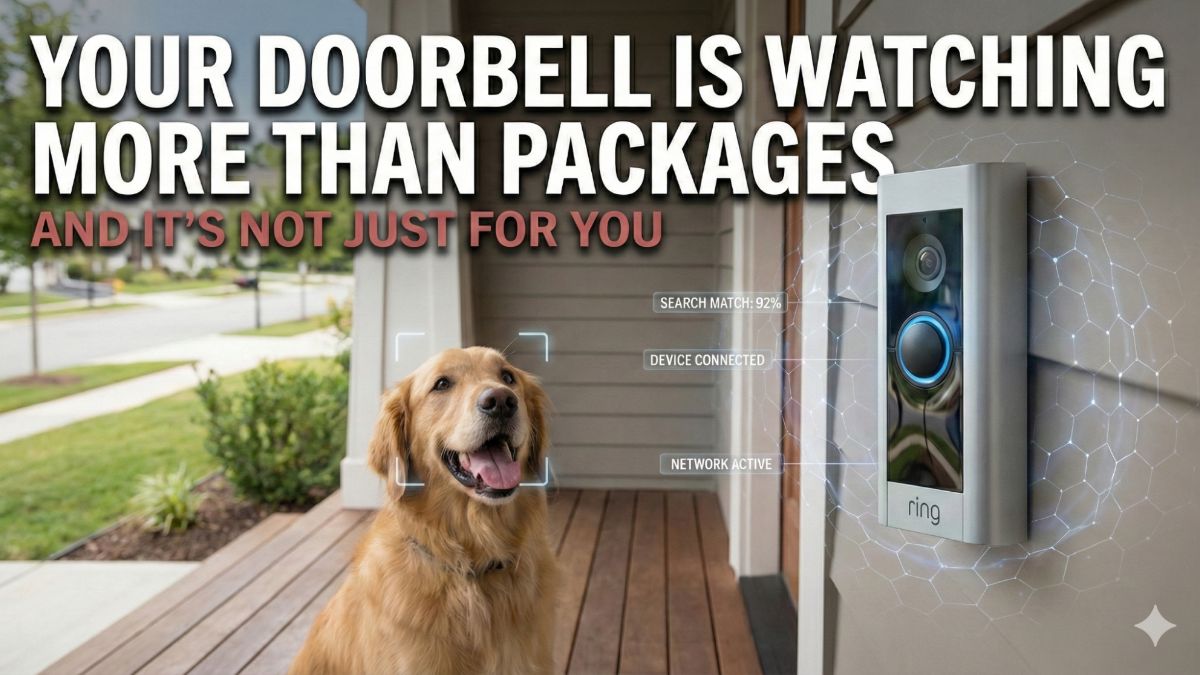
Ring’s big game ad about finding lost dogs tugged at your heartstrings. But the same network behind that feature also does facial recognition and partners with law enforcement. Here’s the good, the bad and what you should do about it.
⚡ TL;DR (THE SHORT VERSION)
- Ring’s Search Party uses AI to scan nearby cameras for lost dogs. It runs on Amazon Sidewalk, a mesh network of millions of devices you probably don’t know you’re part of.
- The same tech has helped solve break-ins, porch thefts and worse.
- But Ring also added facial recognition and partnered with 5,000+ police departments.
📖 Read time: 3.5 minutes
 Gemini
I need your help: Add Komando.com as a preferred source on Google
If you watched the big game on Sunday, you probably saw the Ring ad. A family loses their dog Milo, the neighborhood Ring cameras spot him and everyone’s crying happy tears on the couch. Great ad. I almost reached for the tissues myself.
It’s called Search Party. Your dog gets out, you report it in the Ring app and AI scans nearby outdoor Ring cameras for a match. A neighbor’s camera spots your pup, they get an alert and they choose whether to share the clip with you. Amazon says it’s reunited 99 dogs with their families in 90 days.
🎯 The upside is real
Ring cameras help catch criminals every day. Porch pirates, car break-ins, home burglaries. I’m not anti-camera. I have them all over my house, patios and yard. I also have license plate readers around my property.
But there’s a big difference between choosing to share a clip with police and not knowing your doorbell is part of a national surveillance grid.
👀 This part’s not in the ad
Search Party runs on Amazon Sidewalk, a wireless network connecting millions of Ring cameras and Echo devices. Amazon turned it on by default. Most people have no idea they’re part of it.
In December 2025, Ring launched Familiar Faces. That’s facial recognition on your doorbell. It flags strangers and learns who belongs at your door.
Back in October 2025, Ring partnered with Flock. They run AI cameras in over 5,000 communities and scan billions of license plates every month. Police using Flock can request your Ring footage through the app. No formal contracts. Just quiet access through departments in the system.
Ring says sharing is voluntary. And it is. But most people don’t even know the ask is coming.
🐾 Here’s the bottom line
You deserve to know what your doorbell is doing. Here’s where to look and the trade-offs for each.
- Sidewalk: Ring app > Menu > Control Center > Amazon Sidewalk. This is the mesh network. Turn it off and your devices only work on your home Wi-Fi. If your Wi-Fi drops, your cameras go offline and you lose Search Party. Leave it on and you’re part of the network.
- Familiar Faces: Menu > AI Features. Turn it on and your doorbell learns who belongs at your door. Smarter alerts, but your camera is storing faces. Turn it off and nobody’s face gets analyzed.
- Community Requests: Menu > Control Center > Community Requests. This controls whether police can send you footage requests. Turn it off and you’ll never see them. Turn it on and you decide case by case.
No wrong answer here. Just make sure it’s your answer. Talk about getting more than you rang up for.
🚔 Got a Ring doorbell? Have you ever gotten a police footage request through the app? I want to know what you did.
📤 Know someone who saw that Ring ad Sunday and thought, How sweet? Forward this, so they get the full story and can check their own settings.



