



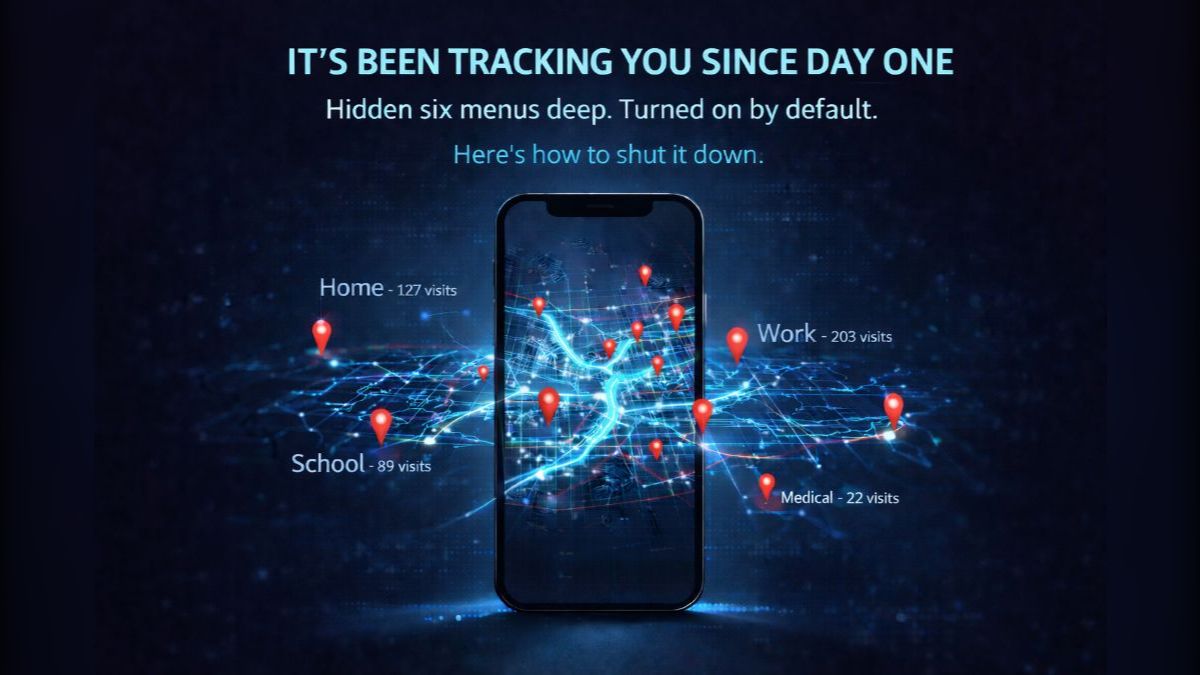
OK, pick up your iPhone right now. Go to Settings > Privacy & Security > Location Services > System Services > Significant Locations & Routes. Enter your passcode.
See that number under Summary? Prepare to be shocked.
That’s how many locations your phone has secretly logged. Every place you go. When you arrived. How long you stayed. Your doctor’s office. Your friend’s apartment. The hotel in Vegas. That place you told nobody about.
It’s turned on by default. Apple never asked. And it’s been running since the day you set up your phone. Nice, right?
📍 Your phone is a diary you never wrote
Apple calls it Significant Locations. It tracks places you visit frequently to “improve Maps, Calendar and Photos.” Sounds harmless. But think about what that data reveals: your daily routine, where your kids go to school, your therapist’s office, how often you visit someone and for how long.
Apple says this data is encrypted and stays on your device. On your device means anyone who knows your passcode can see it. A jealous partner or a nosy coworker. Law enforcement in some states doesn’t need a warrant to legally compel you to unlock it with Face ID. Then it’s all right there.
🪝 Android fans, you’re not off the hook
Google Maps has a feature called Timeline that does the same thing, except even more detailed. Routes, time stamps, how you got there. Google changed the default to off in 2024, but if you’ve had an Android for years, you probably turned it on and forgot. Your history could go back years and years.
Even if you turned off Timeline, Google may still save location data through Web & App Activity. Searching for a restaurant? Location saved. Getting directions? Saved.
🔒 Check it and shut it down
- iPhone: Go to Settings > Privacy & Security > Location Services > System Services > Significant Locations & Routes. Tap Clear History, then toggle Significant Locations & Routes OFF.
- Android: Open Google Maps > tap your profile picture > Your timeline > tap the three dots > Location & privacy settings. Select Delete all Timeline data, then toggle Timeline OFF. Next, go to myactivity.google.com and turn off Web & App Activity or set it to auto-delete every three months.
While you’re at it, revoke location access for any app that doesn’t absolutely need it. That weather app? Approximate is fine. Your flashlight app? It needs your location like a fish needs a bicycle.
This one’s worth five minutes. Because your phone knows more about where you’ve been than your best friend, your spouse or your mother. And it’s sitting there waiting for someone to look.
I guess you could say your phone really knows all your secret spots. Location, location, location.
🗣️ STEAL THIS STAT: Your iPhone has been secretly logging every place you go since the day you turned it on. It’s called Significant Locations, it’s buried six menus deep, and it’s turned on by default. Go check yours right now.
📩 Know someone who guards their privacy but has never checked this setting? They all have it. Forward this and watch them freak out.