



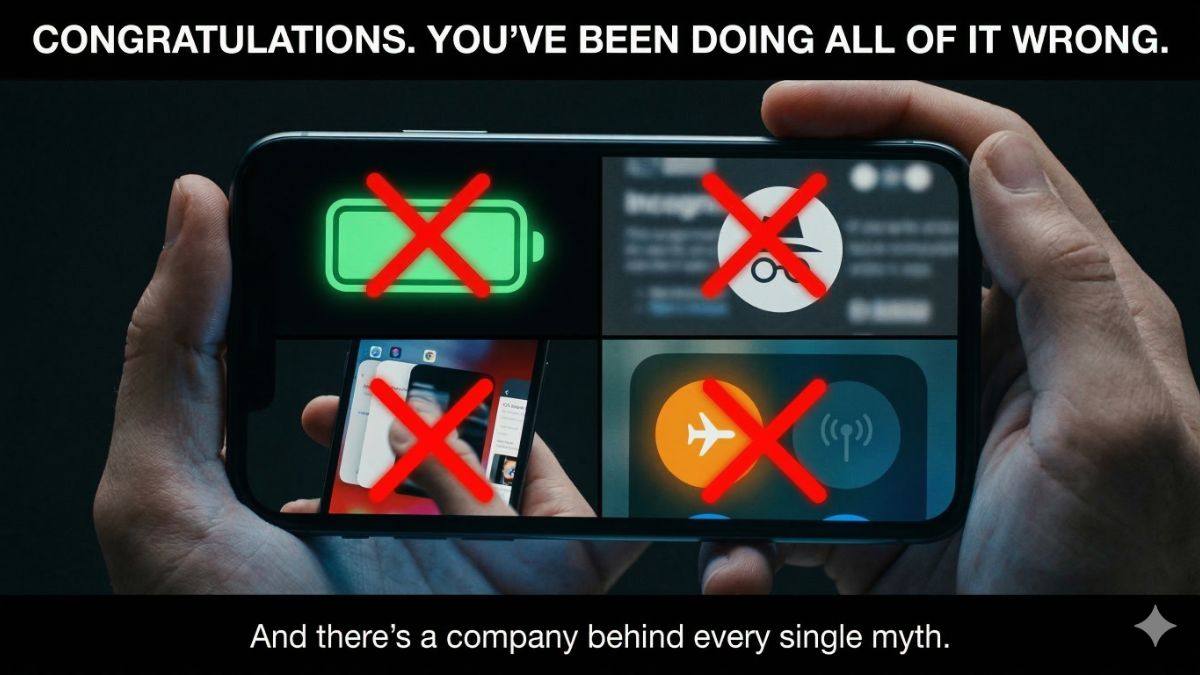
✈️ Sound familiar? “Please put your devices in airplane mode for departure.”
Here’s the thing nobody tells you: It doesn’t matter.
The FAA changed the rules in 2013. Your phone signals don’t interfere with navigation systems. Airlines announce it out of habit and liability. The one real reason it sticks around? Your phone searching for a cell tower at altitude creates faint buzzing in pilot headsets. Annoying. Not dangerous.
You’ve been doing this for years to prevent a minor headache in the cockpit. Turns out, we were all flying blind on this one.
🦄 The myths that got all of us
Closing background apps saves battery. Nope. Completely backward. Apple confirmed it directly: Force-closing apps and reopening them uses more battery than leaving them alone. Your phone manages its own memory just fine. You swiping everything away actually works against it. Put the phone down.
Incognito mode makes you private. I want to grab people by the shoulders on this one. Incognito only hides your history from other people on your device. That’s it. Your internet provider still sees every site you visit. Your employer still sees everything on their network. Websites still log your IP address. Google knows it’s you. Incognito is a privacy curtain inside your own house. It does nothing about the people outside. PSA: Incognito is not the same thing as Incogni, a sponsor of my shows, which removes your personal information from data brokers.
Deleting a photo means it’s gone. It isn’t. On iPhone, deleted photos sit in your Recently Deleted album for 30 days, fully visible to anyone who picks up your phone. On Android, same story. And if you have iCloud or Google Photos backup turned on? You have to delete them in at least three separate places to get anywhere close to actually gone. People have discovered this the hard way during breakups, job interviews and phone repairs.
🔋 The one quietly killing your battery tonight
Charging to 100% every night feels responsible. It isn’t. Lithium batteries degrade fastest at the extremes. Apple, Samsung and Google all recommend keeping your charge between 20% and 80%.
- On Android: Go to Settings > Battery > Charging Optimization.
- On iPhone: Settings > Battery > Charging. Turn on optimized charging right now. Your battery will last years longer.
📩 Send this to someone who still swipes away every background app like it owes them money, or force-quits 47 apps before bed. They need a byte of truth. Use the handy icons below.