You turned off location, but AI can still figure out where your photo was taken. Here’s how to test your own pictures and hide your home in 5 seconds.
Chatbots can study the trees, rooflines and curbs in an ordinary photo and pin down where you live. Test one of your own pictures, then use this checklist before you post another one.
🤯 WOW! Turning off location doesn’t hide where you live anymore. AI chatbots can look at a plain backyard photo, read the trees, the roofline and the curb, then guess where it was taken. One police-grade AI tool reportedly places even windowless indoor photos. Your next “new patio!” post could be a map to your front door.
The Short Version: Test one of your own photos with AI to see what it reveals, then strip the hidden location data and crop out the giveaways before you post. Steps below.
📖 Read time: 2 minutes
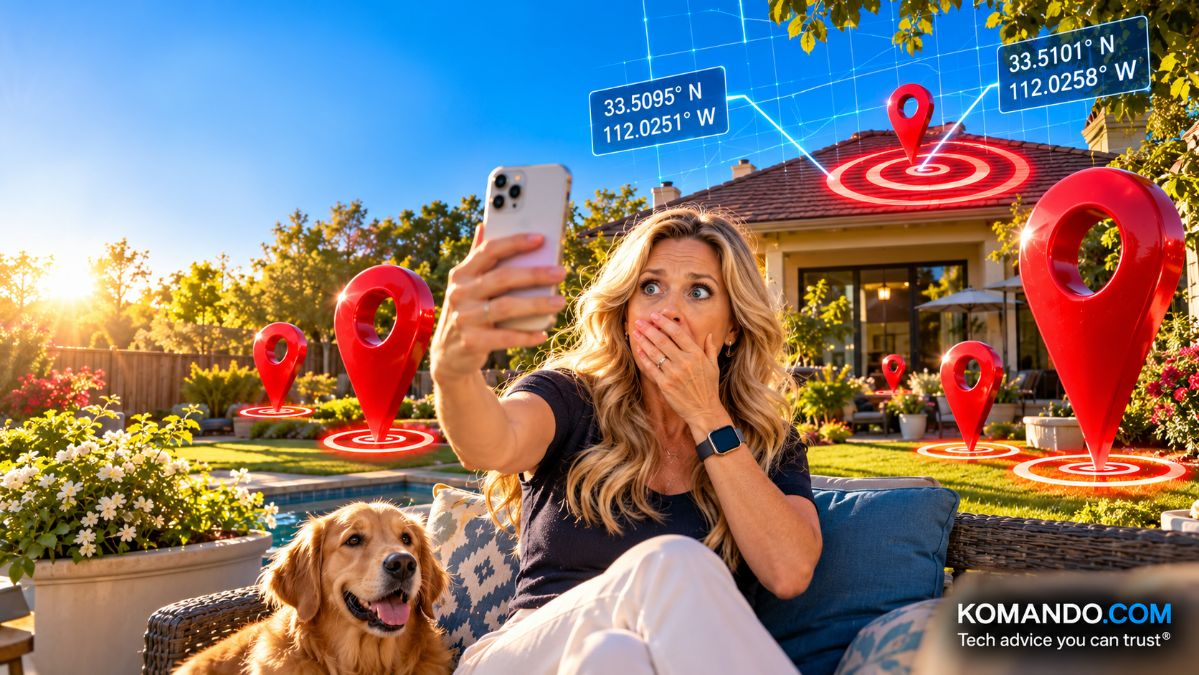 ChatGPT/Kim Komando
I need your help: Add Komando.com as a preferred source on Google
You post a photo of your new patio furniture. No address. No street sign. Location turned off. Safe, right?
Not anymore.
AI chatbots can look at a photo and figure out where it was taken. They study the trees, the roofline, the curb, the power lines, even the shape of the fire hydrant. One user said ChatGPT nailed a library photo in about 20 seconds.
It gets creepier. A company called Graylark built GeoSpy, an AI tool trained on millions of photos, for police and government agencies. It was open to anyone until reporters started asking questions, and some users had asked it for help stalking women. The company says it pushed back on those requests. Its tool reportedly can even place indoor photos with no windows.
OpenAI says it trained ChatGPT to refuse to identify private people in images. But a guess about your backyard isn’t a person. It’s a location.
👀 Try it on yourself
Pick a photo you’ve posted of your home, yard or street. Upload it to ChatGPT, Gemini or Claude and ask: “Where do you think this was taken? Explain each clue.”
Read the clues it lists. That’s your to-do list.
Two rules: Only test photos of you and your stuff. Skip shots of your kids or grandkids.
📍 Hide your home before you post
Your photos leak location two ways: hidden data and the picture itself. Here’s how to turn off the hidden data.
- iPhone: When you share a photo, tap Options at the top and switch off Location.
- Android: In Google Photos, tap your profile picture > Photos settings > Sharing, and turn on the setting to hide photo location data.
Check the picture for:
- House numbers, mailboxes and street signs
- The view out your window, especially a water tower, mountain or skyline
- Your car’s license plate in the driveway
- School logos, team jerseys and business signs
Crop first, then post. A five-second crop beats a lifetime of “How did he find me?”
Your photos should show off your patio. Not your address.
Bonus tip: Don’t announce when you’re not home. Wait to share the vacation pics until after you’ve returned.
What do bats and real estate agents have in common? It’s all echo-location, location, location.
🗣️ Text/post this stat: Turning off location isn’t enough anymore. AI can study the trees, rooflines and curbs in a photo and guess where it was taken. Crop before you post. GetKim.com



