Your router got hacked. You don’t know it yet.
Your home Wi-Fi is the front door to everything you own online. Hackers know this. They’ve been quietly breaking into routers for months, watching everything you do. Here’s how to tell if yours is compromised.
⚡ TL;DR
- Millions of home routers are compromised, and owners don’t know.
- Hackers can see every website you visit, steal your passwords and use your internet connection for illegal activities that get traced back to you.
- Secure your router in 10 minutes with admin access and a few changes.
📖 Read time: 3 minutes
 ChatGPT/Kim Komando
I need your help: Add Komando.com as a preferred source on Google
In March, the FBI and Europol took down a botnet called SocksEscort. It had quietly hijacked 369,000 home and small-business routers across 163 countries. The owners had no clue. Their routers got rented out to criminals for ransomware, fraud and DDoS attacks. Every bit of it traced back to the home IP.
Yours could be next.
Look, your router is the front door to your digital life. Most people set it up once and never touch it again. Hackers love that. Outdated firmware, factory passwords still on the sticker, zero monitoring?
Gift-wrapped.
Once they’re in, they see every device on your network. Laptop. Phone. Smart TV. Cameras. They snoop on your browsing, grab your passwords and turn your connection into a launchpad for crimes the cops trace to YOUR door.
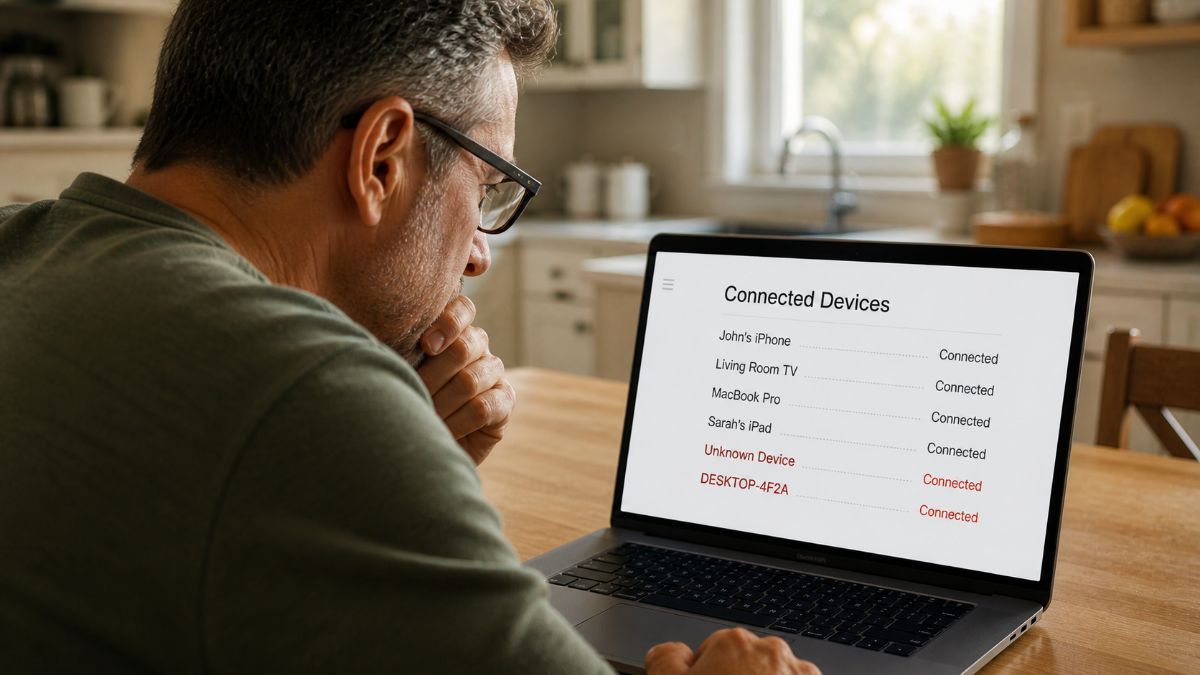
Three warning signs: weirdly slow internet, unfamiliar names in your connected device list and random restarts with weird blinking light patterns. Most people shrug and blame the cable company. Nope.
🔒 Take back control in 10 minutes
1. Get into the admin panel. Open a browser, type 192.168.1.1 or 192.168.0.1. Xfinity gateways use 10.0.0.1. If those flop, flip the router over. The default IP is on the sticker.
2. Change the admin password. If you’ve never touched it, it’s “admin”/“password” or printed on that sticker (which means everyone who’s ever been in your house has seen it). You can find it online here, too. Make a new one of 16+ characters. Not “password123.” (Looking at you, Paul.)
3. Audit connected devices. Open the device list. It’s sometimes called “Attached Devices,” “Network Map” or “DHCP Clients.” Anything you don’t recognize? Kick it off. Then change your Wi-Fi password, too, or it’ll just reconnect.
Heads up: If you see Espressif or ESP_8675309, don’t panic. Espressif chips power a ton of smart bulbs, plugs and cheap IoT gear. That weird name is probably your kitchen light. Identify before you kill.
4. Update the firmware. Find “Firmware Update” in the admin panel. If one’s waiting, install it. That patch usually closes the exact hole hackers walk through.
5. Lock down Wi-Fi. Set encryption to WPA3 (or WPA2 if WPA3 isn’t there). Never WEP. That’s digital tissue paper. Rename your network. No last name. No address number. Don’t make it easy.
🤖 Stuck? Paste this into your AI chatbot
I have a [brand + model] router. Walk me through changing the admin password, auditing connected devices, updating firmware and switching to WPA3 encryption. Plain English, step by step. Assume I’m not technical.
Your router should be guarding your home, not handing it over with a bow on top.
After all that, you need a smile. What did the router say to the doctor? It hurts when IP.
🗣 TEXT/POST THIS STAT
Millions of home routers are compromised, and owners don’t know. Hackers use them to steal data and commit crimes traced back to your address. GetKim.com
📩 Send this to someone who set up their router years ago and hasn’t touched it since. That’s about 99.99% of the entire population. Use the links below.



