



Your inbox is a disaster. I get it. You’re drowning in emails from companies you don’t remember signing up for, and that little unsubscribe link at the bottom looks like sweet instant relief. One click and you’re free!
Nope. That link might make things worse.
If an email is from a spammer, you waved a flag that says, “Hey, I’m here, and I’m clicking on things!” That makes your email address a bigger target for even more junk.
And that’s the best-case scenario.
The worst case? Scam emails imitate real companies. Your bank, a streaming service, a store you shop at. They include an unsubscribe link that takes you to a fake website designed to steal your login or personal info.
You think you’re opting out. You’re actually handing over your credentials on a silver platter.
🎣 This is how they get you
Cybercriminals have gotten scary good at faking familiarity. They make an email look exactly like it’s from a brand you trust. Netflix, Amazon, your favorite shopping app. The logo, the colors, the sender name. It all feels right. You don’t think twice.
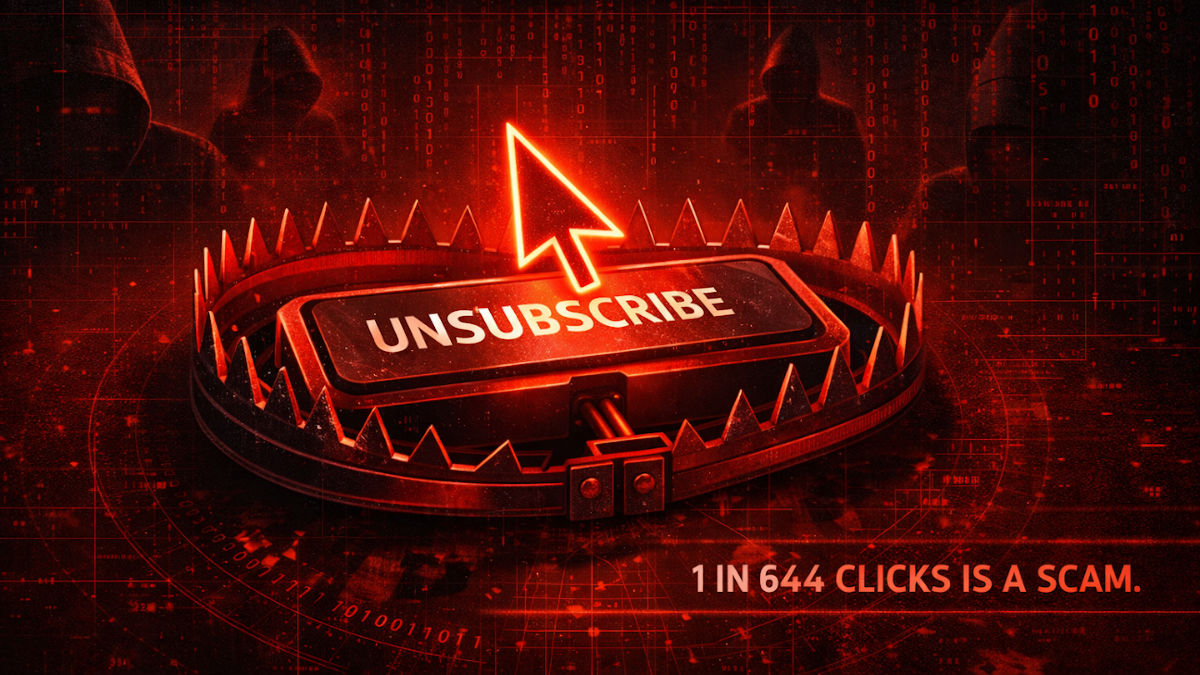
Here’s a number that should wake you up: 1 in every 644 clicks on an unsubscribe link in a promo or spam email leads to a malicious website.
Think about how many times you hit unsubscribe in a month. Five? Ten? Across the country, that’s millions of clicks a day. At those odds, far too many Americans are getting burned every single day trying to stop the junk.
✅ When it’s safe to click
If you are 100% certain an email is legit (like it’s really from Netflix, Apple or Chase), it’s safe to use the unsubscribe link. Big companies play by the rules because they don’t want legal headaches.
But if something feels off, or you never signed up in the first place? Don’t touch it. Delete it and move on.
🛡️ What to do instead
1. Use your email’s built-in unsubscribe button. Gmail, Apple Mail, Outlook and others usually show an unsubscribe option near the top of the message, right under the sender’s name. This is safer because it’s managed by your email provider, not the sender.
2. Mark it as spam (but only if it’s actually spam). If you don’t recognize the sender or didn’t sign up, skip the unsubscribe link entirely. Hit “Report spam” or “Junk.” This trains your email to catch this garbage before it ever hits your inbox again.
One more thing. If you signed up for a newsletter and you’re done with it, click unsubscribe. Don’t hit the spam button. When you mark a legitimate email as spam, you’re gone for good. The system boots you permanently, and there’s no way back on the list. I see it happen all the time with my own newsletter. Someone marks it as spam, then emails me a week later asking why they stopped getting my tips. Argh.
3. Hover before you click. On a computer, hover your mouse over the unsubscribe link without clicking. Look at where it actually leads. If the URL looks strange, has random characters or doesn’t match the sender’s domain, that’s a red flag. Trust your gut.
The unsubscribe button was supposed to give you control. The bad guys figured out how to turn it against you. Now you know better.