Your parents’ phone problems aren’t about the phone. They’re about having no one to ask.
A 20-minute setup stops half the panicked calls. A carrier with a real human who answers stops the rest, for your folks and for you.
🤯 WOW! A quick phone setup, plus a carrier with a real U.S.-based person who answers give your parents their independence back, which saves you repeat calls. Steps below.
📖 Read time: 3 minutes
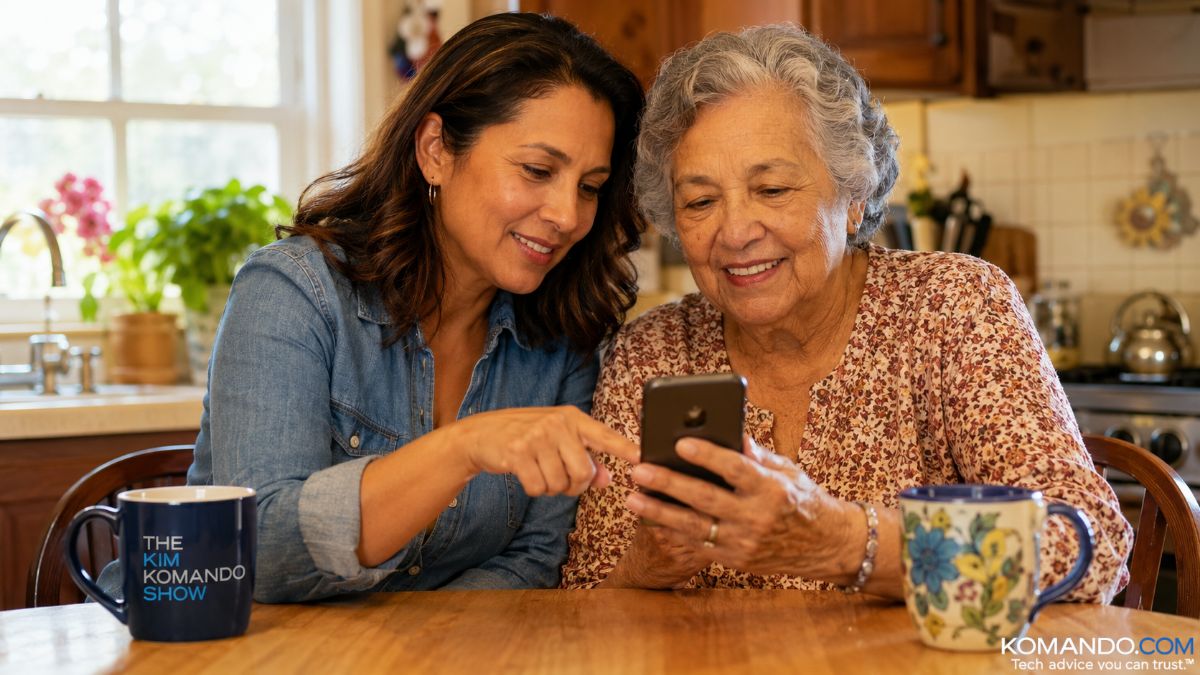 ChatGPT/Kim Komando
Sponsored by Consumer Cellular

You don't have to sacrifice coverage or service to save money, Consumer Cellular gives you both without locking you into a contract. Find out more at ConsumerCellular.com/kim.
July 21, 2026
At my house, I’m Barry’s tech support. His printer. His phone. His email. The Wi-Fi password. When I found out he had three iCloud accounts, I called for backup myself.
But Barry is so smart, and I need his help, too. This morning, I packed my suitcase, then had to cram in my Lululemon bag, and the lock jammed shut. Barry marched in with a hammer, a screwdriver and eventually a saw, and cut it open. My destructive hero.
Everybody is somebody’s support. Which brings me to your mom, dad or spouse.
They keep calling about their phone. The screen’s too small. A text vanished. Some app they never downloaded is sitting on the home screen. Fourth call this month, and you both hang up frustrated. The phone isn’t the problem. They don’t have anyone else to ask. Let’s fix this.
📱 Set the phone up so it helps
Twenty minutes, once, and half the panicked calls stop.
- Text size: On an iPhone, go to Settings > Display & Brightness > Text Size, drag it up. For Android, Settings > Display > Font size.
- Simplify the home screen: Delete apps the owner never uses. Put Phone, Messages, Camera and favorites front and center.
- Fill in the Medical ID: Use the iPhone Health app or Android Personal Safety app. Make sure conditions, meds and emergency contacts are visible even when the device is locked.
- Turn on scam call filtering: On an iPhone, tap Settings > Apps > Phone > Silence Unknown Callers. On an Android, open Phone > three dots > Settings > Spam and Call Screen, turn on the spam filter. The fake “your account is frozen” calls stop reaching Mom.
- Set your people as Favorites: On iPhone, open Phone > Favorites > the plus sign > pick the person. For Android, open Phone > tap the contact > tap the star. Now calling you is one tap, not a scavenger hunt through the whole contacts list.
☎️ Help is here
When that person in your family has a question at 2 p.m. and you’re in a meeting, who do they call?
Most carriers hand Dad a menu maze, and a chatbot loops him in circles. That’s not support. That’s a locked door. And be honest, when did you last reach a real person on the first try? Everybody deserves a human who picks up. That’s why I love our radio sponsor Consumer Cellular so much.
The Consumer Cellular difference: When you call Consumer Cellular, a real person based in the U.S. picks up. No button-pushing, no chatbot loops. Just friendly, award-winning service, delivered with a smile. Really.
You’re not sacrificing coverage. You’re paying less for it.
When’s the last time you checked your phone bill? I thought so. If you’re paying over $50 a month for your cell, it’s time for you to make a change. Ralph told me he’s saving $875 a year since he made the switch. That’s a lot of money.
If you’re over 50, listen up. Get a single line with unlimited talk, text and data for $35 a month. Switch today and save an additional $50. Hurry, this is a limited time offer.
✅ Visit ConsumerCellular.com/Kim, and use promo code KIM50. You’ll be so glad you did!*
🎯 Send this to someone who is the unofficial IT department for their family or who is done fighting robots for help.



