



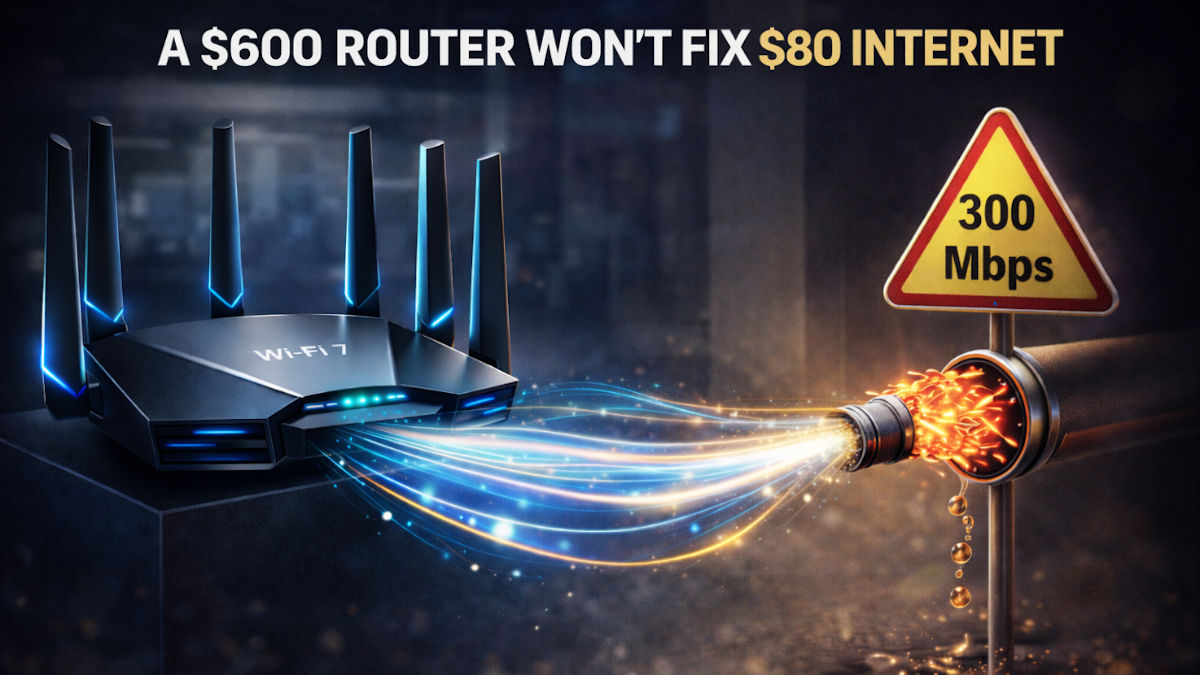
You’ve probably seen the sales pitches. “Get blazing-fast Wi-Fi 7 with internet speeds like you’ve never seen before! Just $600 for a new state-of-the-art router!”
Let me save you some money.
🤑 The reality check
Yes, Wi-Fi 7 is fast. Theoretical speeds reach 46 Gbps (46,000 Mbps), compared to Wi-Fi 6’s 9.6 Gbps (9,600 Mbps). Here’s what that means in real life.
A 4K movie is about 15 GB.
- Wi-Fi 6 downloads it in 12–15 seconds.
- Wi-Fi 7 does it in about three seconds.
Yeah, you’ll never notice the difference.
🐌 The real bottleneck
Most Americans’ home internet maxes out between 200 to 1,000 Mbps. That’s 0.2 to 1 Gbps, not even close to what your current router can handle.
Your internet speed is like a highway. The router is just the off-ramp. A fancier off-ramp doesn’t make the highway faster. And your phone? Limited by your internet connection, not your router. A $600 router won’t speed up your $80/month plan.
Even if you buy a Wi-Fi 7 router, most devices don’t support it yet. You need Wi-Fi 7 on both ends to see any benefit.
Right now, only a handful of flagship devices work with it: iPhone 16 Pro and later, Samsung Galaxy S24 Ultra and later, some gaming laptops. Everything else runs at Wi-Fi 6 speeds anyway.
🎮 The latency angle
Wi-Fi 7’s real advantage isn’t speed, it’s reduced latency and better multi-device handling. Competitive gamers and streamers might notice. Casual users? Nope.
🏎️ Who actually needs Wi-Fi 7?
- Video editors moving 100 GB+ files wirelessly
- Gamers with high-end NAS setups
- Power users with 2+ Gbps fiber
- Smart homes with 50+ devices
Otherwise, it’s like buying a Ferrari to drive to church.
✅ What to do instead
Know your plan. Are you paying for 100 Mbps? 500? Gigabit? That’s your ceiling.
Run a speed test. Try speedtest.net or fast.com. Compare results to your plan.
Reboot the right way. Unplug your modem and router. Wait 30 seconds, hum the Jeopardy! theme. Plug the modem in first, wait for steady lights, then router.
Still slow? Try a mesh Wi-Fi system ($140).
Speaking of, a router and a modem got married. They were pronounced husbandwidth and WiFi. (Yeah, it was bad. I agree.)
Know someone who needs this? Tap below and make their day.
We may earn a commission from purchases, but our recommendations are always objective.