Comcast turned millions of routers into motion sensors this month. Here’s the off switch.
As an Amazon Associate, some links pay us a commission at no extra cost to you. Keeps this website free. Thank you.
Comcast made Wi-Fi motion sensing a headline feature on millions of Xfinity gateways. It reads the ripples your body makes in the signal, through walls, no camera. Here’s the five-minute check, friend.
🤯 WOW! Comcast made Wi-Fi motion sensing a headline feature on millions of Xfinity gateways. Your router reads the ripples your body makes in the signal: which room you’re in, standing or lying down, through walls, no camera, no light. And the fine print says motion data can go to law enforcement “without further notice to you.”
The Short Version: Open your router app, hunt for anything labeled motion, sensing or Shield, and turn off what you didn’t turn on. Steps below.
📖 Read time: 2 minutes
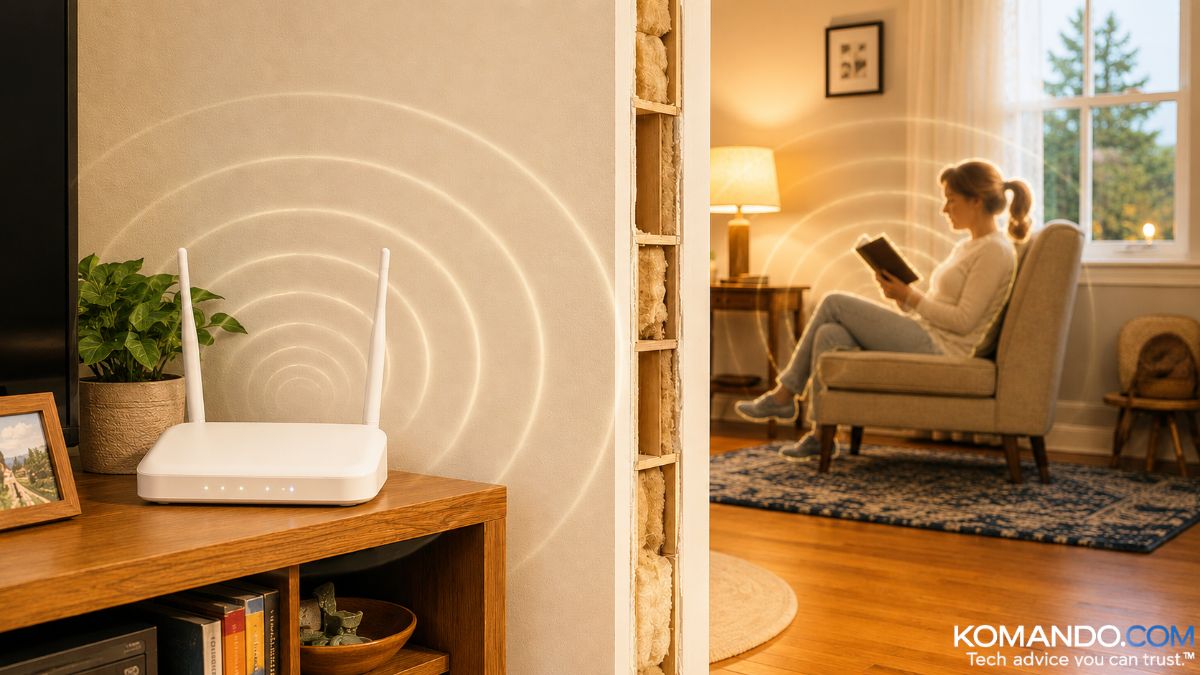 ChatGPT/Kim Komando
I need your help: Add Komando.com as a preferred source on Google
I bet you never thought of this. Comcast and others hope you never do. Let me explain.
Every Wi-Fi signal in your house bounces off the walls, the couch and you. Wi-Fi sensing reads the ripples your body makes. A few weeks of that, and the box knows when you wake up, when the house sits empty and which nights you fell asleep in the recliner.
That’s not a motion alert. That’s a diary.
Researchers have identified specific people by their signal ripple with near-perfect accuracy. Not “someone’s home.” You.
📶 The walls have eyes
Comcast’s new Xfinity Shield turns any XB7-or-newer gateway into a motion detector, free. Your printer, smart plugs and Xbox become the sensors. $15 a month adds a camera and 24/7 response. Comcast’s pitch: “The network should do more than connect devices.” Linksys sells a version called Aware.
Now the fine print.
Comcast’s policy says it may disclose Wi-Fi motion data “without further notice to you” for any law enforcement investigation, any dispute Comcast is in or a subpoena. Comcast says it doesn’t monitor the motion. Fine. The door’s still open. Your camera has a light. Your mic has a rule. This has neither.
Bright side: This can catch Grandma’s fall without a camera in her bathroom. Used with consent, I like it. Used quietly, I don’t.
📴 Motion denied
Five minutes. The opt-out nobody covers.
- Xfinity customers: Open the Xfinity app, tap WiFi, look for WiFi Motion (it may sit under Shield). Comcast says it’s off unless you turned it on. Look anyway. Ads are persuasive, and so is a teenager with your login.
- Everyone else: Open your router or mesh app and hunt for motion, sensing or Aware. If you didn’t turn it on, turn it off.
- Own, don’t rent. A rented gateway runs by your provider’s rules. A $69 router you own has an off switch you control, and it kills the monthly fee. Two wins.
- Thin the sensor herd. Every always-on gadget is an antenna. The bedroom doesn’t need four.
🎯 Send this to someone who rents their router and has never opened the app it came with.
📱 Text-worthy: Comcast just made Wi-Fi motion sensing a headline feature on millions of Xfinity routers. It reads how your body ripples the signal: which room, standing or lying down, through walls, no camera. The fine print says motion data can be subpoenaed. Open your router app, find “motion” or “Shield,” and shut off what you didn’t turn on.



